
Honest guide to free AI tools for designers and builders. Learn by building real products, not expensive courses. No hype, just what actually works.
Learning AI right now? It’s overwhelming as hell.
Your feed is full of “revolutionary” tools, everyone’s an expert, and courses promise to make you an AI genius—if you’re willing to pay up.
Here’s what nobody tells you: You don’t need expensive courses to learn AI. You need the right tools and the patience to use them, actually.
This is my honest list of free (or cheap) AI tools that helped me learn by building real things—no hype, no complicated jargon—just what actually worked.

How I Started Learning AI (Without Losing My Mind)
When I first dove into AI, the problem wasn’t finding resources. It was drowning in them.
So I changed my approach. Instead of trying to “master AI,” I focused on three things:
Understanding how AI actually fits into products
Building stuff (even if it was messy)
Using tools that made things easier, not harder
I’ve put together a collection of 27 free AI tools that genuinely helped me learn at my own pace, without the burnout.
👉 Check out the full Zero-Cost AI Learning article on Substack if you’re a designer, developer, or founder just getting started.
Tools for People Who Learn By Building
These are for you if reading theory puts you to sleep. They let you build actual products and see how AI works in the real world.

Raydian – Your Full-Stack AI Playground
Raydian is an all-in-one AI builder that lets you chat with AI to create features, edit interfaces visually, and ship real web apps—complete with backend, database, authentication, and hosting.
What do I love about it? It shows you how products are actually built, not just mocked up.
Perfect for: Indie hackers, designers who want to go full-stack, and founders testing MVPs.
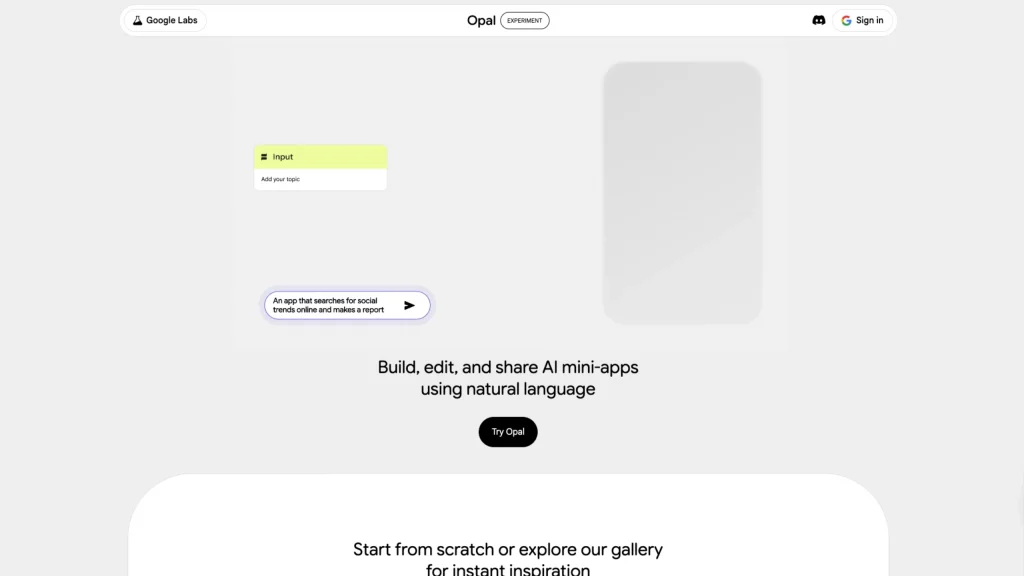
Opal – Build AI Tools Just By Talking to It
Opal lets you create AI workflows and mini-apps using plain English.
But here’s what Opal really teaches: AI can design fast, but it can’t create smart. You still need human judgment for strategy, empathy, and knowing what actually matters to users.
Perfect for: Designers learning AI logic, product people testing ideas, and teams building internal tools.
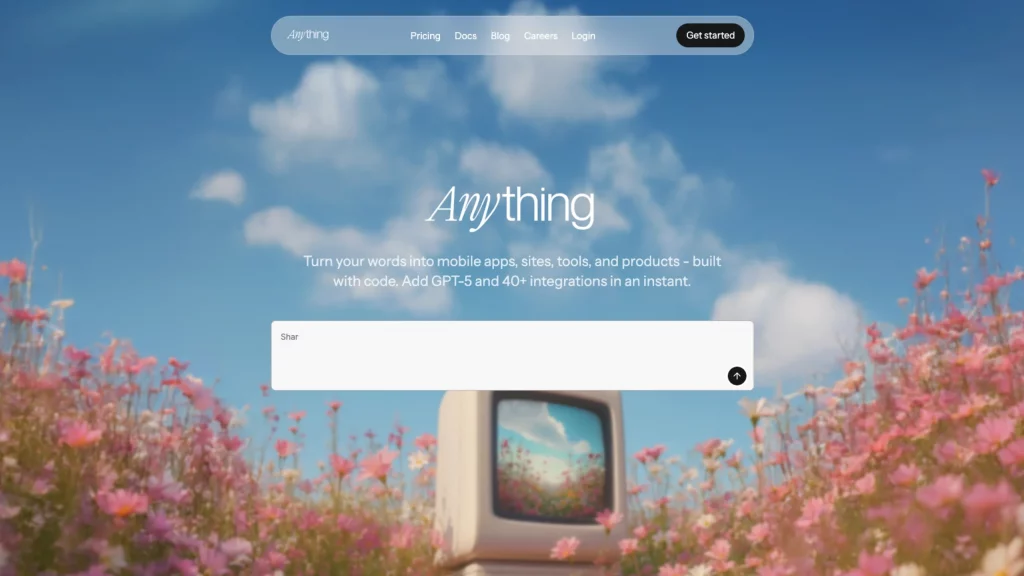
CreateAnything – Turn Ideas into Real Apps
CreateAnything converts your text prompts into production-ready apps, with authentication, database support, payments, and core logic built in.
It’s not magic—it’s a masterclass in how modern apps are structured, even if you’ve never written a line of code.
Best for: Non-technical founders, designers who want to understand app architecture, and rapid prototyping.
AI Tools for Video, Film & Creative Work
AI isn’t just spreadsheets and chatbots. Some of the most incredible stuff is happening in visual storytelling.

Flow – Google’s Filmmaking Tool
Flow turns text prompts and assets into actual cinematic video scenes using Veo, Imagen, and Gemini.
What’s impressive? The consistency. Characters, lighting, and scenes actually stay coherent across shots.
This feels like a real creative tool, not just a tech demo.
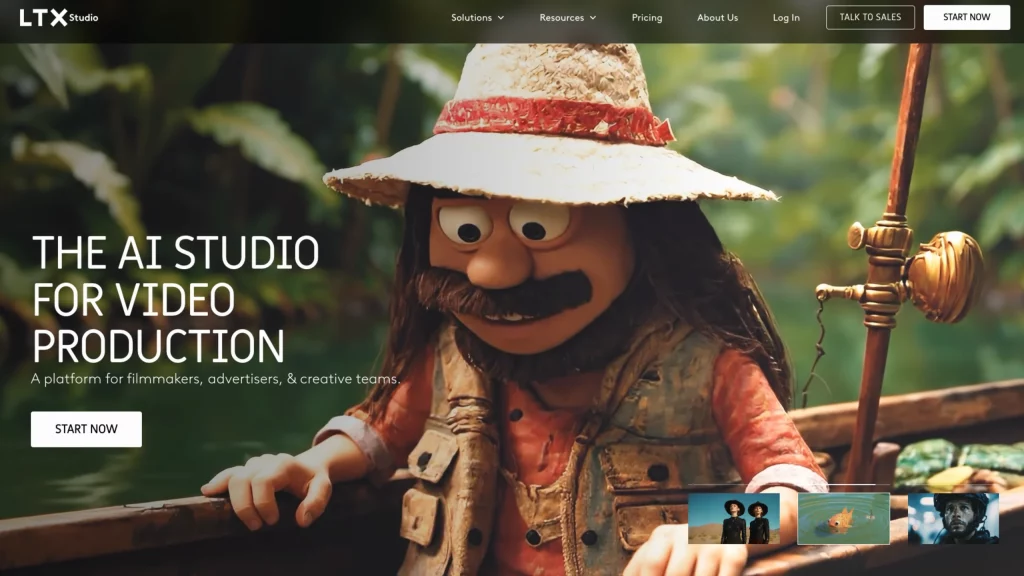
LTX Studio – Make Entire Films with A
LTX Studio lets you generate complete stories, scenes, characters, scripts, and visuals—all from natural language prompts.
If you’ve ever wanted to prototype story ideas or explore the future of filmmaking, this is worth your time.

Mosh Pro – Creative Effects Without the Template Prison
Mosh-Pro is a desktop tool for mixing real-time visual effects with deep creative control. Works with images, videos, and GIFs.
This one’s for people who like to experiment rather than follow cookie-cutter templates.
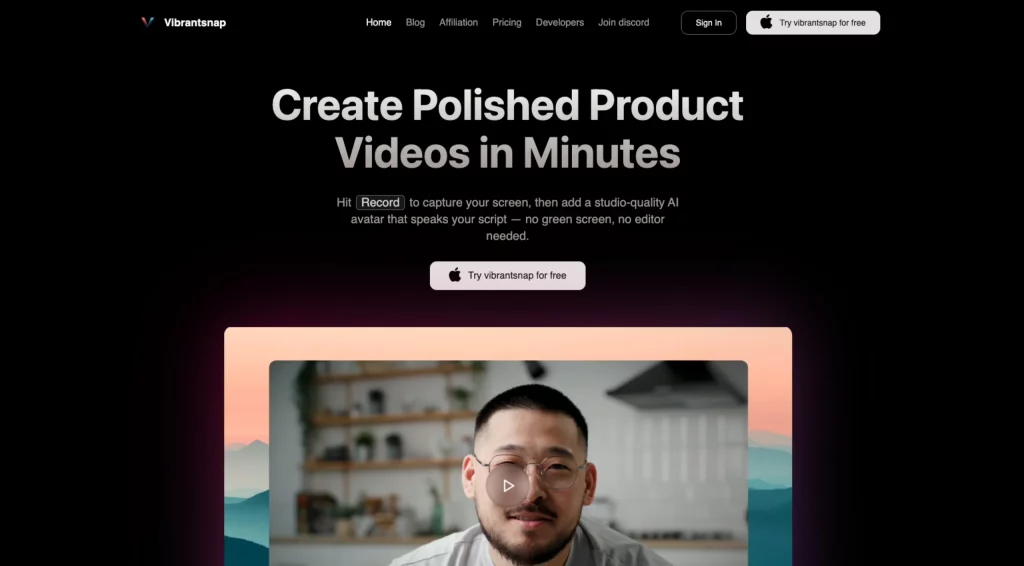
VibrantSnap – Turn Screenshots into Stunning Product Videos
VibrantSnap transforms screenshots and screen recordings into studio-quality product visuals.
Great for: SaaS demos, landing pages, product marketing
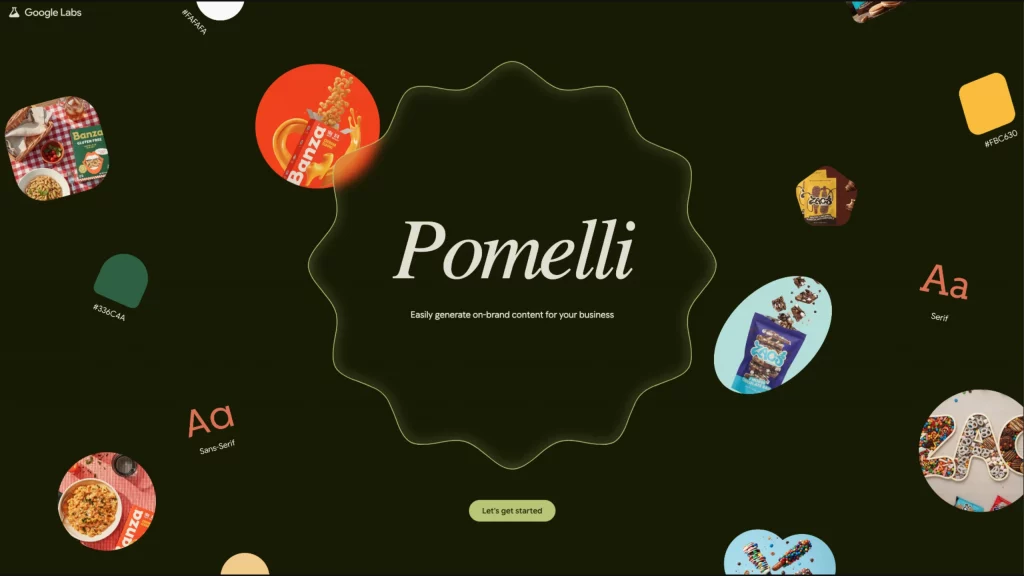
Pomelli – AI Marketing from Google Labs
Pomelli helps you create consistent, on-brand marketing content quickly—without sounding like a robot wrote it.
Use it when: You need content fast but still want it to sound human
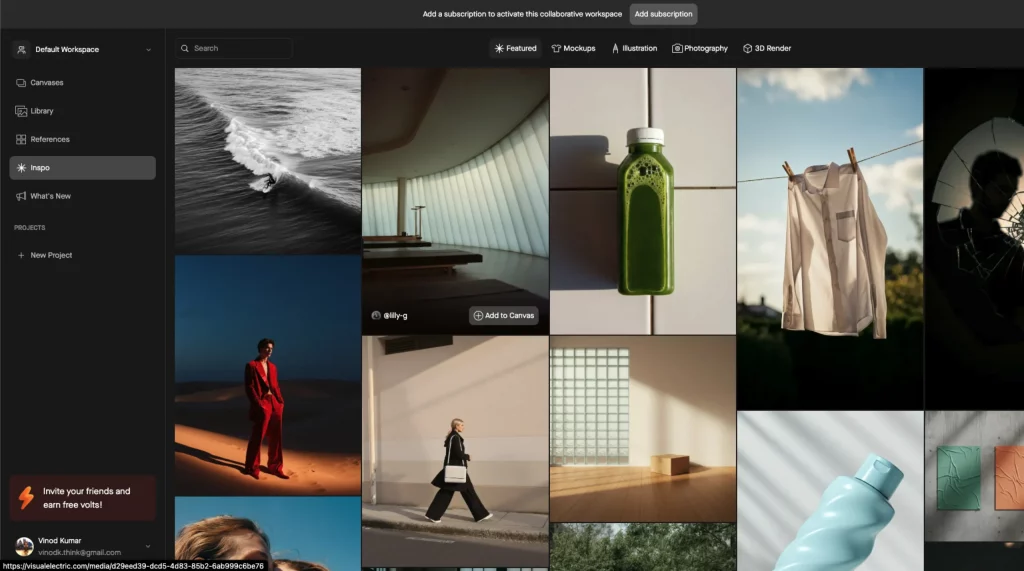
Visual Electric – Image Generation for Actual Creatives
Visual Electric is built for creatives, not prompt engineers. It has an infinite canvas, a clean interface, and focuses on exploration instead of perfection.
It feels like a creative tool first, an AI tool second.
What I’ve Learned About Learning AI
- You don’t need to learn everything.
- You don’t need to try every new tool.
- You definitely don’t need to spend thousands on courses.
Start small. Build things. Stay curious. And most importantly—keep your human judgment intact.
AI is powerful. But you’re still the one making the decisions.
About Me

I’m Prince Pal. I help startups and tech companies solve real UX problems and get actual ROI from their design work.
I design AI-powered B2B SaaS products that feel human—because I believe AI should work with people, not replace them.
If you’re building something that matters, let’s talk.