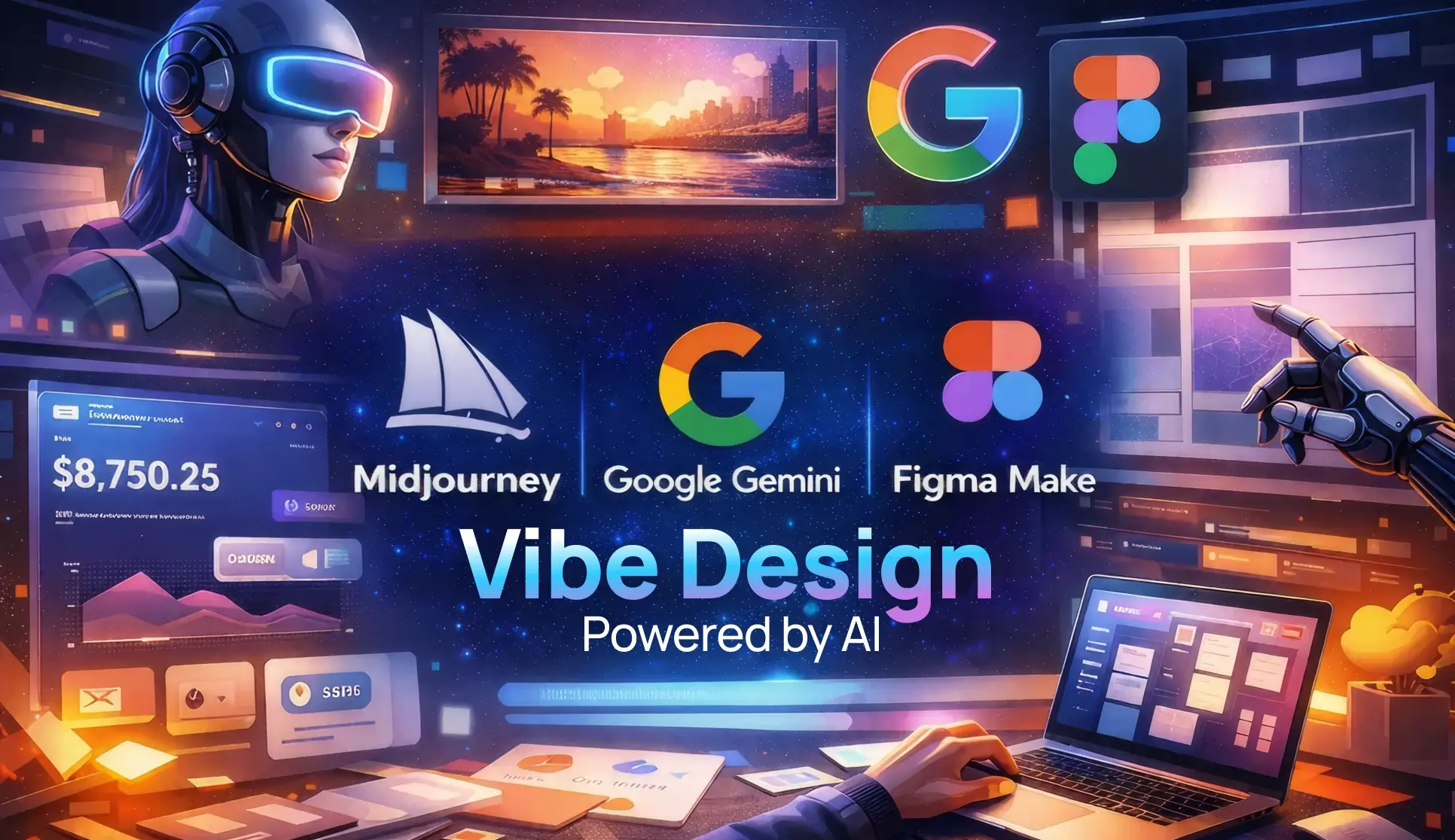
Summary – Struggling to define UI vibes? See how AI tools like Midjourney, Gemini, and Figma Make help designers set mood, align teams, and build intentional interfaces faster.
Let’s be honest for a second.
Most UI projects don’t fail because designers lack skill. They fail because nobody agrees on the feeling early enough.
One person imagines “clean and premium.”
Another hears “fun and playful.”
A third just says, “Make it modern.”
And suddenly, you’re stuck redesigning the same screen for the fifth time.
This is where AI-powered vibe design quietly changes the game.
Not by replacing designers. Not by spitting out finished screens.
But by helping you define direction, mood, and intent before pixels turn political.
If you’re between 18 and 25—studying design, starting your career, or figuring out how real-world products actually get built—this matters more than you think.
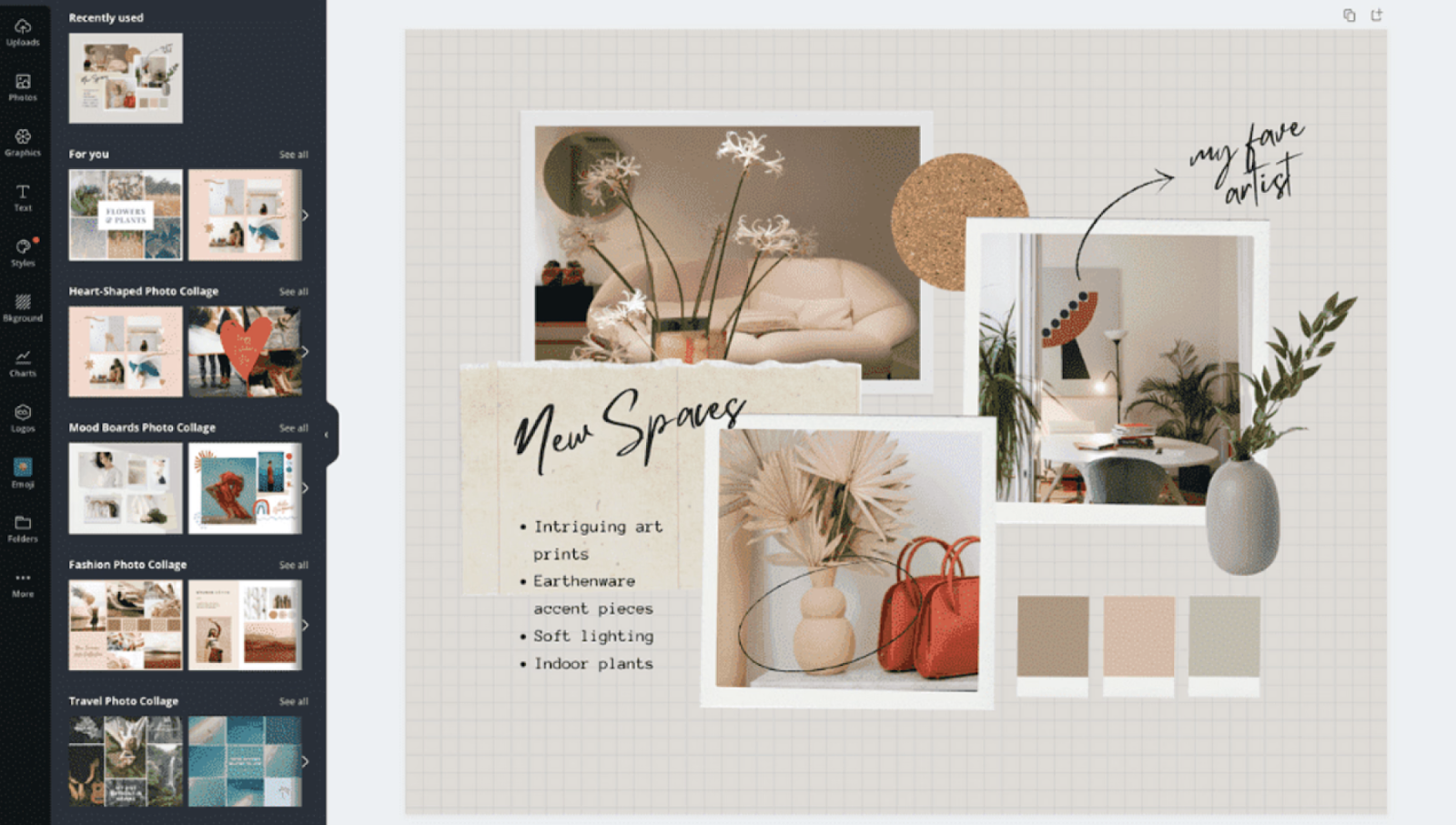
What Even Is Vibe Design? (And Why Should You Care?)
Vibe design isn’t about colors or components. Not yet.
It’s about answering softer questions early:
- Does this product feel calm or energetic?
- Serious or playful?
- Confident or curious?
- Warm or sharp?
Think of it like choosing the background music before a movie scene is shot.
You don’t need the full script—you need the mood.
Traditional UI jumps straight into wireframes.
Vibe design pauses. Sets intention. Then moves forward with fewer regrets.
And AI? AI just helps you get there faster—with fewer awkward meetings.

I (Prince Pal) help teams shape products by starting with the feeling, not just the screens.
Instead of obsessing over pixels too early, I focus on the emotion users should experience and translate that vision into clear, usable UI—using simple language, fast iterations, and AI-assisted workflows.
Here’s how I work:
- Feeling first: We define the mood and intent early—calm, bold, playful, serious—so design decisions feel intentional, not random
- Plain-English direction: Ideas start as words, not complex tools, making it easier for teams to align and move faster
- AI-assisted execution: AI helps turn high-level ideas into layouts, components, and flows without slowing creativity
- Fast prototyping: Interactive screens and user flows are created quickly for testing and feedback
- Reusable components: UI elements are built to scale and shared easily with developers
- Flexible systems: Design styles can be adjusted, tested, and refined until the right vibe clicks
How AI Helps Define UI Direction (Without Killing Creativity)
Here’s the thing about AI tools: they’re phenomenal at generating options quickly. Like, really quickly.
Where you might spend three days sketching different visual directions, AI can pump out dozens of variations in minutes.
Instead of saying:
“I want something minimal but friendly but also futuristic…”
You can show it.
AI tools translate vague language into visual references. Not final answers—starting points.
That’s powerful.
Because once a team sees the same visuals, alignment happens naturally. No long explanations. No ego battles.
Just… clarity.
Mood Before Mockups: Using Midjourney & Google Gemini
Let’s get practical.
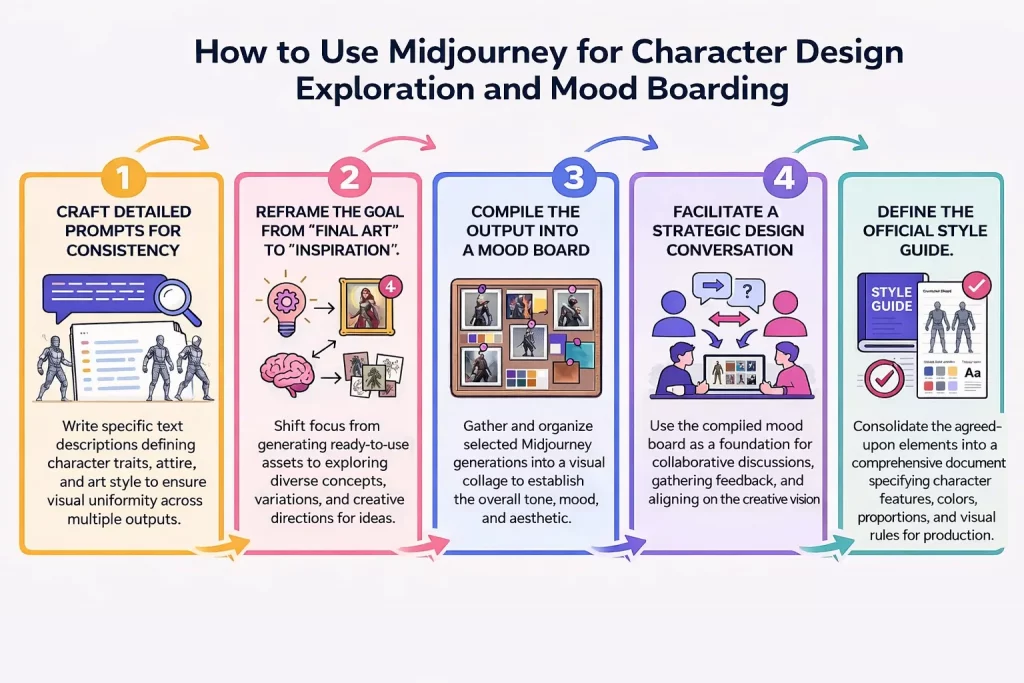
Two tools that work surprisingly well for vibe exploration are Midjourney and Google Gemini.
They approach the problem differently, which is actually perfect—you want multiple perspectives when you’re figuring out direction.
Step 1: Describe the Feeling, Not the Screen
Instead of prompting:
“Design a dashboard UI”
Try something closer to how humans think:
“A calm fintech app for first-time investors. Soft contrast. Confident but not loud. Feels trustworthy, not corporate.”
Midjourney excels at visual vibes. You’re building a fintech app that needs to feel trustworthy but not stuffy?
Try prompts like “modern banking interface, warm neutrals, subtle gradients, professional but approachable.”
Midjourney will spit out interpretations you might never have considered.
The trick is being specific about mood rather than technical details.
Don’t say “use 16px font size”—say “feels welcoming” or “energetic but not chaotic.” Let the AI translate emotional language into visual language.
You’ll be surprised how well it works.
Google Gemini, on the other hand, shines at articulation. Use it to help define and refine what you’re actually going for.
Describe your product in rough terms, and ask Gemini to suggest mood words, reference styles, or design movements that might fit.
It’s like having a design historian who’s also weirdly good at reading your mind.
Here’s a real example from a project I worked on: we knew we wanted something “tech-forward but human.” Vague, right? I
fed that into Gemini with some context about our users (Gen Z, sustainability-conscious), and it suggested terms like “neo-brutalism with soft edges” and “Y2K optimism meets climate anxiety.”
Suddenly, we had language that the whole team could rally around.
From “Cool Vibes” to Actual UI Decisions (Yes, This Is the Hard Part)

Okay, so you’ve got your vibe.
You’ve got mood words and maybe some AI-generated imagery that feels right.
Now what? How do you go from abstract feelings to actual interface decisions?
This is where AI moves from an inspiration tool to an actual design partner.
You need to bridge that gap between “we want it to feel innovative” and “should this button be rounded or sharp?”
Start by describing your product’s core function and desired emotional response in detail.
Then ask your AI tool—Gemini works well here—to suggest specific UI characteristics that support that vibe. Don’t just ask for “design ideas.” Ask questions like:
- “What layout patterns communicate efficiency without feeling cold?”
- “How might spacing and rhythm affect the perception of trustworthiness?”
- “What color relationships create energy while maintaining accessibility?”
The responses won’t always be perfect, but they give you starting points backed by reasoning. And reasoning is gold when you’re trying to justify decisions to stakeholders. (Because “it just feels right” only gets you so far in critique meetings.)
You can also feed AI tools screenshots of interfaces you like and ask them to analyze why they work.
What’s creating that feeling you’re responding to?
Is it the generous whitespace?
The unexpected pop of color?
The friendly microcopy?
Sometimes AI spots patterns you’d miss.
Figma Make: From Vibes to Vectors
Figma Make: From Vibes to Vectors
Now we’re getting into the really practical stuff.
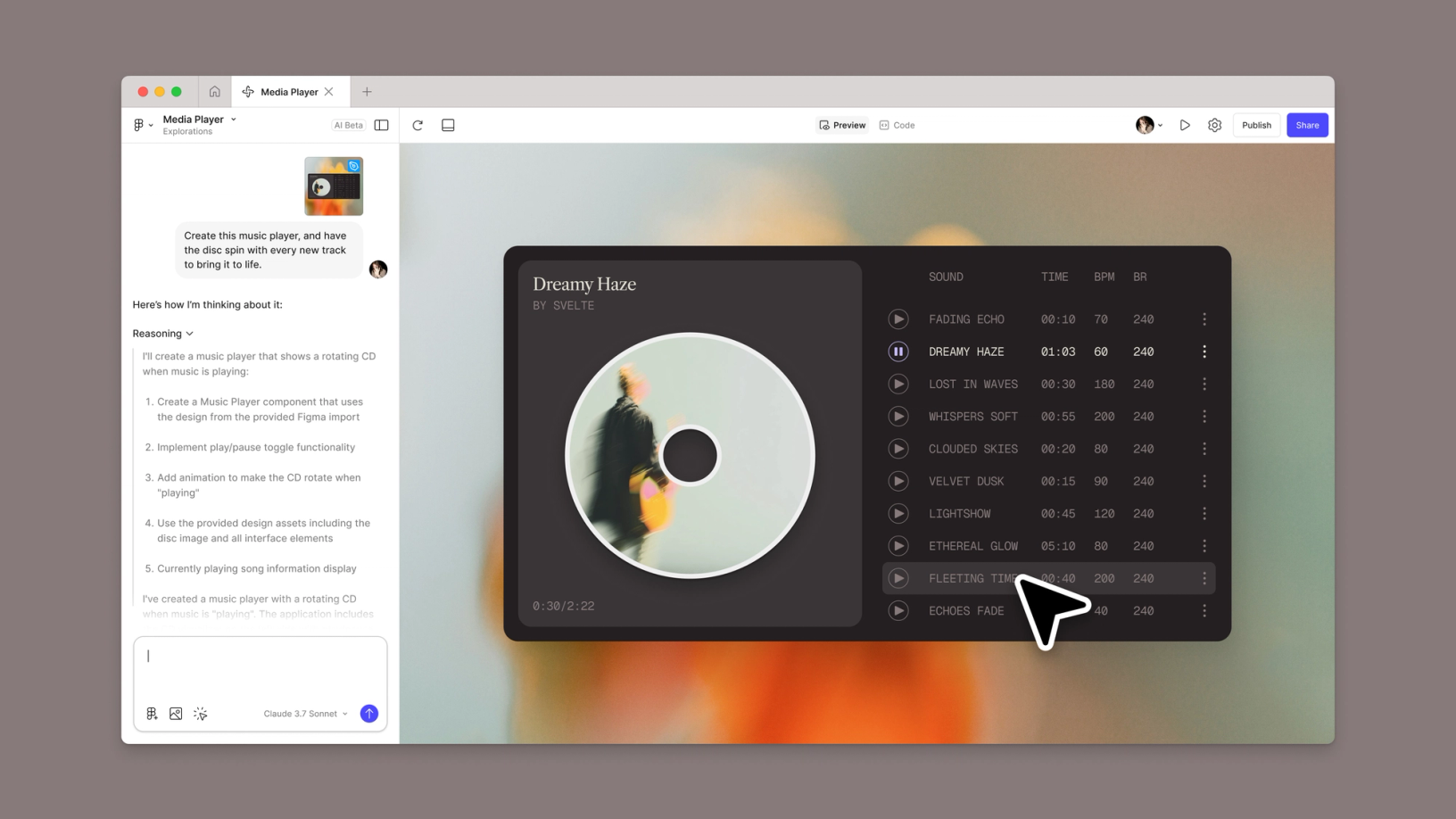
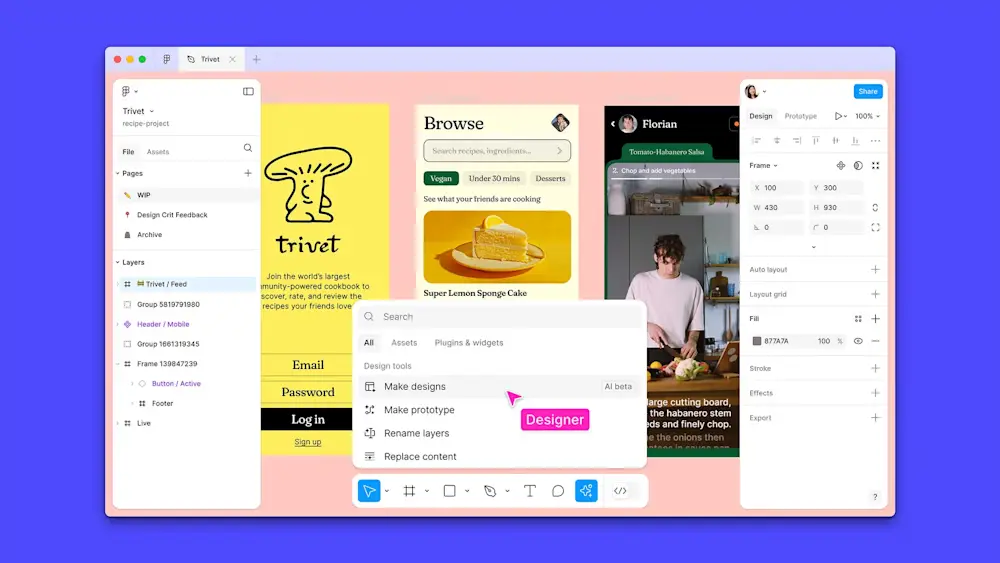
Figma Make is this almost magical feature that lets you describe what you want and—boom—Figma generates actual design elements.
We’re talking layouts, components, the works.
But here’s what most people miss: Figma Make isn’t just about speed. It’s about externalizing your vague ideas fast enough to react to them.
You know how sometimes you don’t know what you want until you see what you don’t want? That.
Let’s say you’ve decided your app should feel “calm but capable.”
You could spend hours in Figma pushing pixels around, trying different approaches.
Or you could describe what you’re imagining to make: “Dashboard layout, lots of breathing room, muted color palette with occasional bright accents, card-based organization, feels spacious and uncluttered.”
Make generates options.
You look at them and immediately realize—oh, we need more structure; actually, those bright accents are too bright; or wait, this spacing makes it feel too sparse.
Each iteration takes minutes instead of hours.
The real power move? Generating multiple variations simultaneously.
Ask Make to create three versions of the same concept, each with a slightly different vibe—”professional,” “friendly,” and “edgy.” Put them side by side.
Show them to your team.
Suddenly, you’re having productive conversations about direction instead of abstract debates about taste.
Making Make Actually Useful (Tips Nobody Tells You)
Be specific about constraints.
If you don’t tell Make about your grid system or brand colors, it’ll make stuff up.
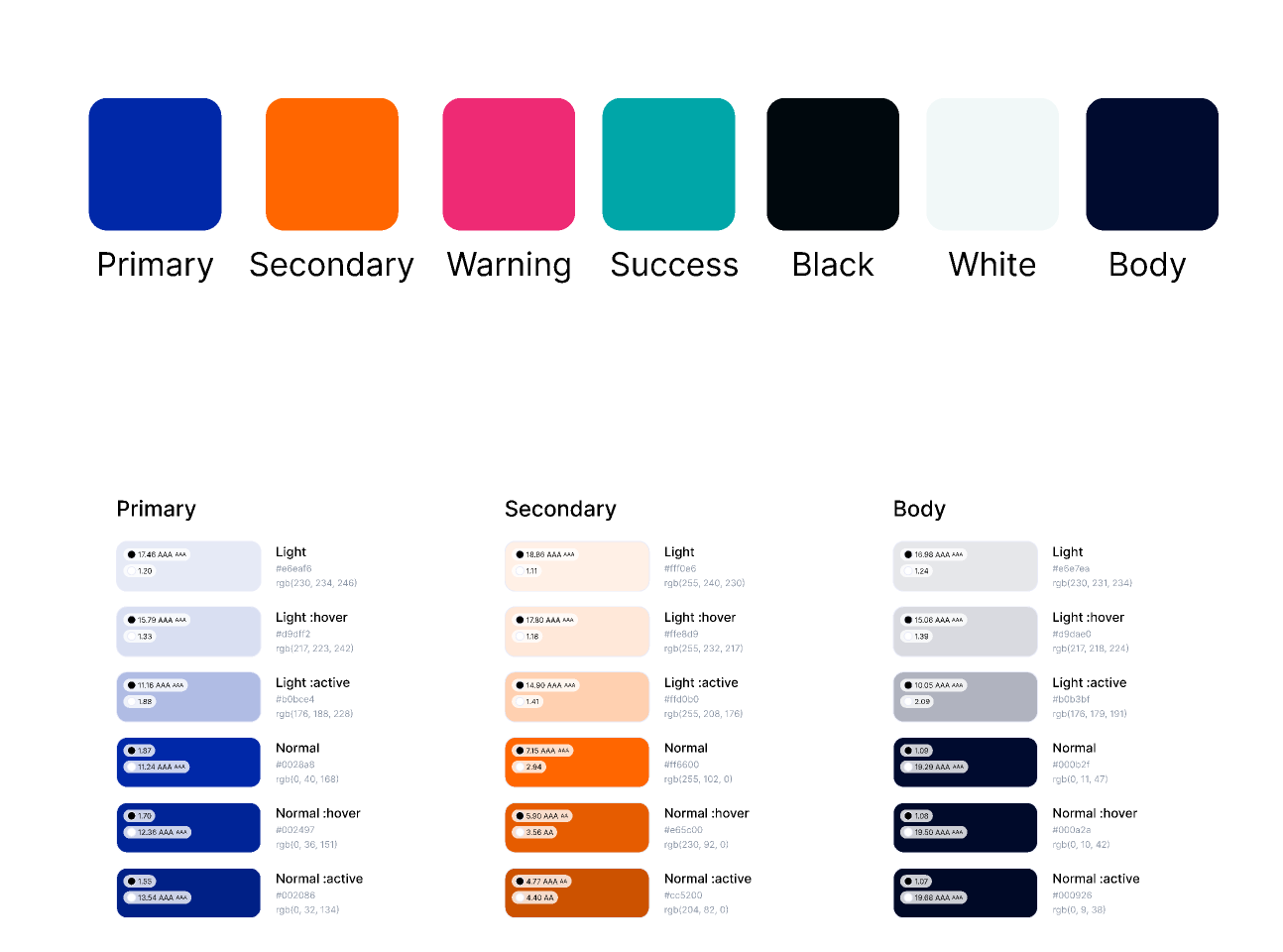
That’s fine for initial exploration, but when you’re ready to dial in, give it parameters: “8-point grid, primary color #2A5F8F, max two accent colors, mobile-first.”
Also—and this might sound obvious, but bears repeating—treat the output as a starting point, not a finished product.
Make is great at structure and general direction.
It’s less great at the subtle refinements that make interfaces feel polished.
You’re still the one who needs to adjust that kerning, fine-tune those animations, and make sure the whole thing actually works for real users.
MCP Technology: The Secret Weapon You’re Probably Not Using Yet
Alright, let’s talk about MCP—Model Context Protocol.
If that sounds technical and intimidating, yeah, it kind of is.
But stick with me because this is where things get genuinely powerful.
MCP is essentially a way for AI models to access and interact with other tools and data sources.
In design terms? It means your AI assistant can actually do things rather than just suggest things.
We’re talking about AI that can pull data from your CMS, check your design system for existing components, or even export assets directly to your dev environment.
Think about your typical design workflow. You’re constantly switching contexts—from Figma to Notion to Slack to wherever your brand guidelines live.
MCP lets AI bridge those gaps.
Ask it to “create a card component that matches our existing design system and uses the latest product imagery,” and it can actually fetch your system specs, grab the right images, and generate something consistent.
Getting Practical with Figma MCP
Here’s where Figma MCP specifically enters the chat.
It’s still relatively new, and honestly, not everyone’s using it yet.
Which means if you get good at it now, you’re ahead of the curve.
Figma MCP connects AI capabilities directly into your Figma workflow.
The immediate benefit? Design-to-code handoff that doesn’t make developers want to quit.
Instead of manually annotating specs or hoping your auto-layout translates correctly, MCP-enabled tools can generate production-ready code that actually reflects your design intent.
But the deeper value is in iteration speed. Remember how I said vibe design is about quickly exploring direction?
MCP supercharges that. You can ask an AI to generate component variations, test them against your existing system, and export the promising ones—all without leaving Figma.
One workflow that’s been game-changing: using MCP to rapidly prototype data-driven designs.
You’re designing a dashboard, but don’t have real data yet?
Ask the AI to generate realistic data, populate your designs, and show you how layouts hold up with different content lengths and edge cases.
Suddenly, you’re catching problems in the vibe phase instead of discovering them after dev has already built the thing.
Connect the MCP server to your editor
Follow instructions for your specific editor to connect to the Figma MCP server, either locally or remotely:
| Client | Desktop server support | Remote server support |
| Amazon Q | ✓ | |
| Android Studio | ✓ | ✓ |
| Claude Code | ✓ | ✓ |
| Codex by OpenAI | ✓ | ✓ |
| Cursor | ✓ | ✓ |
| Gemini CLI | ✓ | ✓ |
| Kiro | ✓ | ✓ |
| Openhands | ✓ | |
| Replit | ✓ | |
| VS Code | ✓ | ✓ |
| Warp | ✓ | ✓ |
The Skills That Actually Matter (Spoiler: It’s Not Prompt Engineering)
Let’s address the elephant in the room.
Everyone’s talking about “prompt engineering” like it’s this mystical skill you need to master.
And sure, knowing how to write effective prompts helps. But that’s not the real skill gap.
The real skills for AI-powered vibe design are the same ones that have always mattered: taste, judgment, and the ability to articulate what you’re responding to.
AI makes bad ideas just as easily as it makes good ones.
If you don’t have a point of view about what makes a design effective, AI won’t magically give you one.
What it will do is let you test your hypotheses incredibly quickly.
So the skills worth developing:
Critical evaluation. Can you look at three AI-generated options and articulate why one works better than the others?
Not just “I like this one” but “this one balances hierarchy and whitespace in a way that guides the eye naturally”?
Taste calibration. Do you know what good design looks like across different styles and contexts?
AI can only be as good as your ability to recognize quality and provide useful feedback.
Communication. Can you describe what you want in terms of mood, emotion, and user experience rather than just visual specifics?
AI is surprisingly good at translating conceptual descriptions into visual outputs—if you know how to describe concepts clearly.
Synthesis. When AI gives you 50 options, can you identify patterns, extract the useful elements, and combine them into something coherent?
This is where human creativity still dominates.
Why This Actually Matters (Beyond Just Working Faster)
Look, we could talk about efficiency gains and faster iteration cycles all day.
And yeah, those matter—especially when you’re working with tight timelines and limited resources.
But the deeper value of AI-powered vibe design is about alignment.
How many projects have you worked on where the team wasn’t really on the same page about the vision until way too late?
Where “modern” meant something completely different to the PM than it did to the designer than it did to the engineer?
When you can rapidly generate and iterate on visual direction early—when you can show stakeholders “here’s what ‘playful but professional’ actually looks like across three different interpretations”—you’re creating shared understanding.
You’re getting everyone aligned on the vibe before you’ve invested weeks in detailed design work.
That alignment cascades. Designers waste less time on explorations that were never going to work.
Developers build things that match the vision rather than their best guess of it. Product managers can provide feedback on actual direction rather than abstract concepts.
And here’s something nobody talks about enough: AI-powered vibe design democratizes taste.
Not everyone has the visual vocabulary to articulate what they’re responding to.
AI can help translate “I don’t know, something feels off” into specific, addressable design characteristics. That makes feedback sessions way more productive.
The Future Is Vibes (But You’re Still the Designer)
So, where does this leave us?
Are we all going to be out of jobs, replaced by robots who can generate designs at superhuman speed?
Honestly? No. But our jobs are definitely changing.
The mechanical parts of design—the pushing pixels, the creating variations, the tedious asset generation—those are increasingly handled by AI.
Which means designers get to focus on the parts that actually require human judgment: understanding user needs, setting creative direction, making taste-based decisions, and ensuring designs serve real people in real contexts.
Vibe design powered by AI isn’t about letting machines design for us.
It’s about using machines to accelerate the exploration phase so we can spend more time on the refinement and strategy that actually matters.
The designers who thrive in this new landscape won’t necessarily be the ones with the most impressive Figma skills or the biggest Dribbble following.
They’ll be the ones who can clearly articulate vision, rapidly evaluate options, and guide AI tools toward meaningful outcomes.
They’ll be the ones who understand that design isn’t really about making pretty things—it’s about creating experiences that feel right, work well, and serve user needs.
AI can help with the making part. But the feeling-right part? That still requires a human touch.
Getting Started Tomorrow (Because Why Wait?)
If you’re reading this and thinking, “Okay, this sounds cool, but where do I actually start?”—fair question. Here’s the honest answer: just start experimenting.
Pick a project—doesn’t have to be high-stakes, could be a side thing—and try using AI for just the vibe definition phase.
Spend an hour with Midjourney or Gemini exploring visual directions before you touch Figma. See what happens.
Try asking AI to articulate design decisions in plain language. “Why does this feel more premium than this?” The answers might surprise you.
If you have access to Figma Make or MCP tools, set aside some time to just play with them. Generate stuff you’d normally spend hours on manually.
Notice what works, what doesn’t, and where you still need to step in with human judgment.
The learning curve isn’t as steep as you might think.
These tools are designed to understand natural language, which means you’re already equipped with the main skill you need: the ability to describe what you want.
And look, you’re going to generate some weird stuff at first. Some outputs will be unusable.
You’ll probably create a few accidentally hilarious designs in the process. That’s part of the exploration. The goal isn’t perfection—it’s discovering a faster way to find direction.
Because at the end of the day (I know, I know, but sometimes clichés exist for a reason), design is about solving problems and creating experiences people actually want to use.
If AI helps you get there faster while maintaining quality and intention? That’s not cheating. That’s just smart work.
The vibe matters. The tools are just tools.
And you’re still the one bringing taste, context, and human understanding to the table.
So go forth and create some vibes. The AI will keep up.
Ready to bring your product vision to life with design that actually works?
I’m Prince Pal, a Principal UI/UX and SaaS product designer with 12+ years of experience, helping startups and tech teams build products people enjoy using—and businesses can rely on. Here’s what I bring to the table:
- 🎯 User-first thinking backed by solid research and real product strategy
- 🛠️ Hands-on expertise with Figma, Framer, Webflow, and AI-driven design workflows
- 🚀 Proven impact across 120+ startups, with designs used by millions
- 💰 Business results that improve engagement, retention, and support funding goals
- 🧩 End-to-end product support—from early ideas to complex SaaS and AI products