
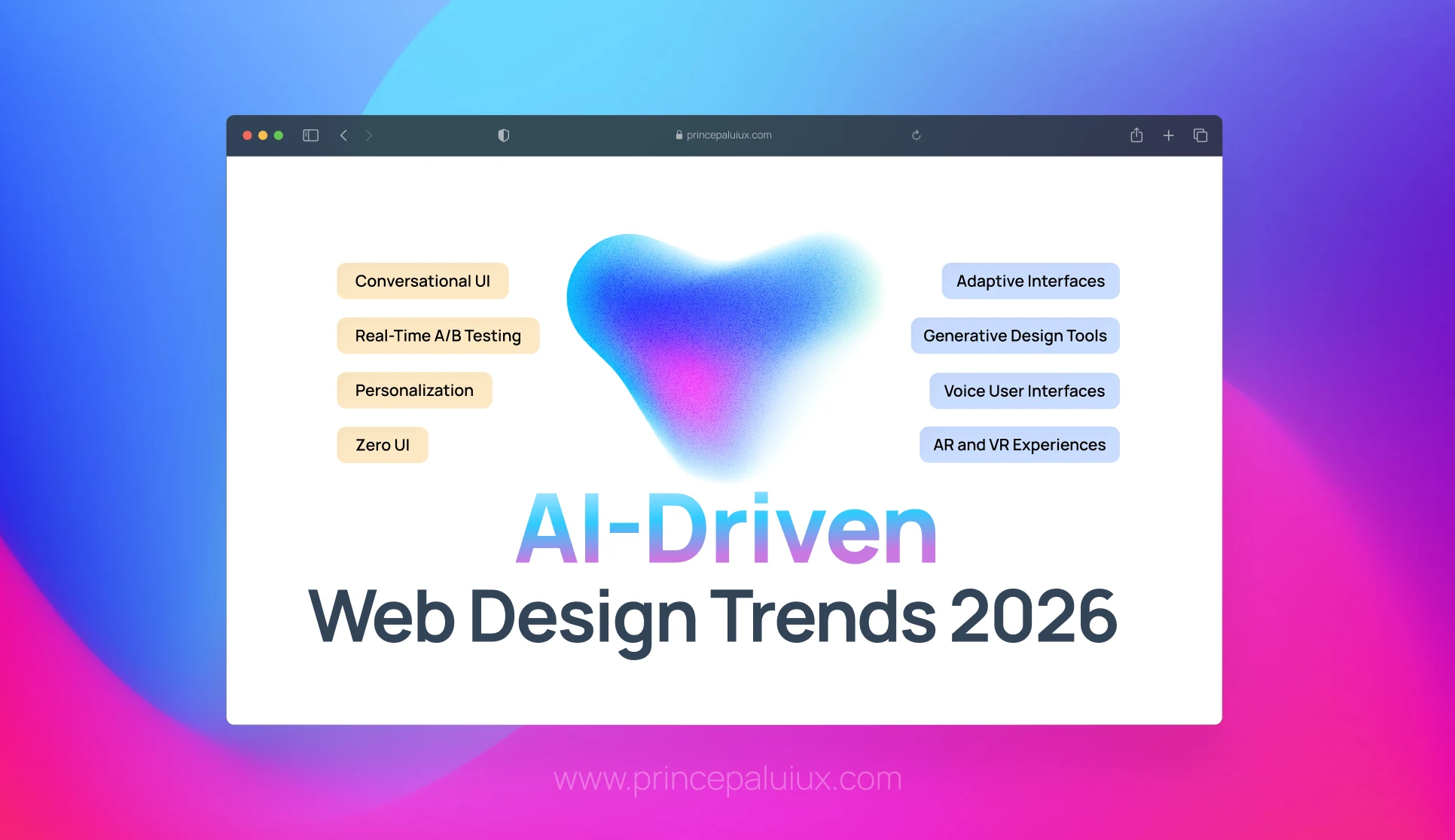
Summary – Discover 15 AI-driven web design trends transforming 2026. From intelligent personalization to voice UI and spatial computing—see how AI is reshaping digital experiences.
Table of contents
- 1. AI-Driven Personalization Is Everywhere
- 2. Adaptive & Intelligent Interfaces (Beyond “Responsive”)
- 3. Intelligent Layouts & Real-Time Content Adaptation
- 4. Automated Design Assistance Is Becoming Standard
- 5. Real-Time A/B Testing & UX Optimization
- 6. Conversational UI & Intelligent Bots Are UX Frontiers
- 7. AI & Accessibility Become Intertwined
- 8. AI Assisting Behind the Scenes
- 9. Voice User Interfaces Are Finally Growing Up
- 10. Generative Design Tools Are Accelerating Creative Workflows
- 11. Immersive AR and VR Experiences Are Moving Beyond Gimmicks
- 12. Zero UI and Ambient Computing Are Reshaping Interactions
- 13. Hyper-Realistic Visual Rendering Is Becoming Standard
- 14. Spatial Computing Is Creating Three-Dimensional Web Experiences
- 15. Cognitive Accessibility
If you’ve noticed that websites feel different lately—more intuitive, more responsive, almost like they’re reading your mind—you’re not imagining it.
AI has fundamentally transformed web design in 2026, and we’re well past the experimental phase.
What we’re seeing now is AI woven into the very fabric of how modern websites work, think, and adapt.
Let’s break down what’s actually happening in web design right now and why it matters for anyone building digital experiences.
Statistics on AI in Web Design
AI is reshaping web design at a remarkable pace.
Today, more than 90% of designers rely on AI for everyday tasks, including image creation (58%) and page layout (50%).
For developers, this translates into a roughly 30% productivity boost.
Interest in AI-powered website builders has also exploded, with demand jumping by nearly 50% as teams look for faster, more efficient ways to build and manage sites.
Adoption isn’t superficial, either. Around 36% of designers now use AI tools daily, integrating them directly into their workflows to speed up execution and reduce manual effort.
The impact is tangible: nearly one-third of designers report clear productivity gains, while businesses are increasingly leaning toward AI-first solutions.
In fact, about 67% of business owners say they prefer AI website builders over traditional approaches, seeing them as a more practical way to streamline processes, create content, and move from idea to launch faster.
Let’s discuss first Agentic UX
Agentic UX: When Interfaces Stop Reacting and Start Acting
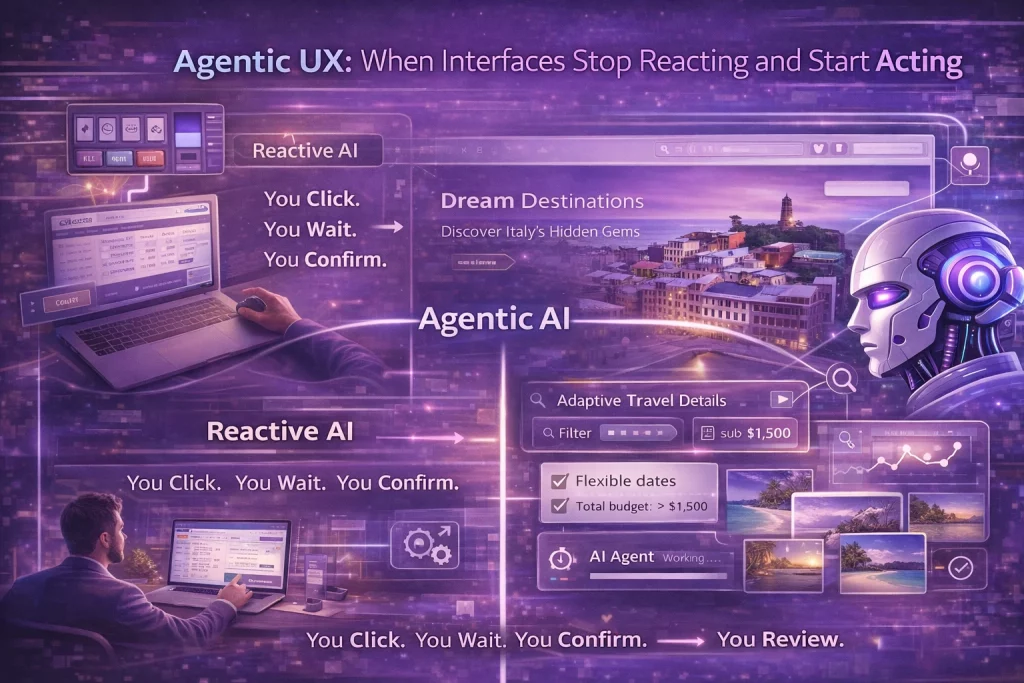
Here’s where things get genuinely transformative: Agentic UX represents a fundamental shift from interfaces that respond to commands to systems that take autonomous action on your behalf.
Most AI today is reactive. You ask a question, and it answers.
You click a button, something happens.
But agentic AI changes this entire dynamic by taking initiative and executing multi-step workflows without constant human supervision.
According to recent research, 60% of designers believe that AI agents that take actions on behalf of users will have a major impact in 2026.
And with 88% of business leaders increasing AI budgets specifically for agentic capabilities, this isn’t some distant possibility—it’s happening right now.
What Makes Agentic UX Different
Traditional interfaces are like vending machines: you select what you want, insert payment, and receive your item.
Agentic interfaces are more like personal assistants: you express a goal, and the system figures out how to achieve it.
Instead of designing screen-by-screen flows that users manually navigate, designers are now creating systems that understand goals and autonomously execute the necessary steps to achieve them.
The interface becomes less about “what buttons to click” and more about “what outcomes to achieve.”
For example, rather than manually searching for flights, comparing prices across multiple sites, checking reviews, and booking separately, you might tell an agentic system: “Find me the best travel deals to different beach destinations.
I’m flexible on dates, but want to stay under $1,500 total. Take your time—I’ll check back tomorrow.”
The agent then works in the background, searching multiple sources, comparing options based on your preferences and past behavior, and presenting curated recommendations when you return.
It’s handling a complex, multi-step workflow that would have taken you hours—all while you sleep.
The UX Design Challenge
Designing for agentic systems requires an entirely new approach. Instead of crafting every screen and transition, you’re defining:
System guardrails and boundaries – What can the agent do autonomously, and what requires human approval? Where are the limits?
Transparency mechanisms – How does the user understand what the agent is doing, especially when it’s working in the background?
Intervention points – When and how can users step in to redirect, stop, or override the agent’s actions?
Trust-building patterns – How do you communicate the agent’s reasoning and build confidence in its decisions?
Handoff protocols – How do agents pass context to humans or other agents without losing critical information?
The key challenge designers face is maintaining user control while enabling genuine autonomy.
Good agentic UX feels like a helpful assistant, not an intrusive system making decisions without your consent.
Real-World Agentic UX Use Cases
Agentic UX is already transforming how businesses operate across multiple domains:
E-Commerce & Shopping – Autonomous shopping agents that monitor prices, alert you when items drop to your target price, and automatically complete purchases when specific conditions are met. These systems learn your preferences over time and can handle complex procurement workflows without manual intervention.
Customer Support – AI agents that don’t just answer questions but autonomously resolve issues by coordinating actions across multiple systems—resetting passwords, processing refunds, updating account information, and escalating complex cases to human agents with full context already prepared.
Financial Services – Agents that continuously monitor your financial health, automatically categorize expenses, flag unusual transactions, adjust credit scores based on new data, and even execute trades or rebalance portfolios based on predefined strategies and market conditions.
Healthcare Medical – AI that processes incoming patient documents, extracts relevant data, integrates it with existing records, schedules appointments, sends medication reminders, and flags potential health concerns for doctor review—all while maintaining strict privacy and compliance standards.
Enterprise Workflows – Internal agents handling repetitive tasks like expense approvals, IT support tickets, HR policy questions, and compliance checks. For instance, an IT helpbot that can reset credentials, monitor devices, troubleshoot issues, and escalate complex problems—all through natural conversation. Companies implementing these systems report saving over 1,000 hours of manual work.
Content & Research – Research agents that autonomously search academic databases, apply inclusion criteria, extract structured data, synthesize findings, and generate comprehensive reports—work that previously required teams of analysts working for days or weeks.
The Benefits of Agentic UX
When implemented thoughtfully, agentic systems deliver compelling advantages:
Massive Time Savings – Tasks that took hours get completed in minutes. Multi-step workflows that required constant attention now run autonomously in the background.
24/7 Operation – Agents work continuously, handling tasks even when you’re offline. You express a need, and the system keeps working until it’s resolved.
Consistency & Accuracy – Agents execute processes the same way every time, eliminating human error and ensuring compliance with established rules and policies.
Scalability – One agent can handle thousands of simultaneous tasks that would require entire teams of people. Organizations are seeing 40-80% of routine customer service issues resolved without human intervention.
Personalization at Scale – Agents learn individual preferences and contexts, delivering genuinely personalized experiences that would be impossible to provide manually across large user bases.
Reduced Cognitive Load – Users focus on high-level goals rather than low-level execution details. The mental overhead of managing complex processes shifts to the system.
Design Principles for Agentic UX
As you design for agentic systems, keep these principles in mind:
Always Explain What’s Happening – Users should never be confused about what the agent is doing or why. Display reasoning upfront, communicate decisions in plain language, and provide visibility into background processes.
Make Interventions Easy – Users need clear, accessible ways to stop, redirect, or override agent actions. The “emergency brake” should always be within reach.
Start Simple, Scale Gradually – Begin with narrow, well-defined tasks with clear success criteria for the agent. Gradually expand capabilities as trust builds and edge cases get handled.
Design for Failure – Agents will make mistakes. Build graceful failure modes, clear error communication, and easy paths to human escalation into your design from day one.
Respect User Agency – The agent should feel like it’s working for the user, not controlling them. Give users meaningful choices about when and how automation happens.
Build Compound Learning – Design systems that get smarter over time, learning from successes, failures, and user corrections to continuously improve performance.
The Future is Already Here
According to Gartner projections, by 2029, agentic AI will autonomously resolve 80% of common customer service issues without human intervention—potentially reducing support costs by 30% while dramatically improving customer experience.
The shift is already underway. From manufacturing plants where agents autonomously manage supply chains and reconfigure production schedules, to hospitals where they optimize patient flow and predict bed occupancy, to financial institutions where they process claims end-to-end, agentic systems are moving from pilot projects to production-critical applications.
For designers, this means the job is fundamentally changing. We’re no longer just pixel-pushers crafting beautiful screens. We’re becoming orchestrators of human-agent ecosystems, defining the rules that govern how autonomous systems interact with people and each other.
The websites and applications that win in 2026 and beyond won’t be the ones with the most features or the prettiest interfaces. They’ll be the ones that understand how to blend human intelligence with machine autonomy—creating experiences where AI handles the heavy lifting while humans focus on creativity, strategy, and the uniquely human work that machines can’t replicate.
Agentic UX isn’t about replacing human decision-making. It’s about elevating it—freeing people from repetitive tasks so they can focus on what actually matters.
What This Means for Your Business
If you’re building or maintaining a website in 2026, the message is clear: AI isn’t a nice-to-have feature anymore—it’s becoming the standard architecture that users expect.
But here’s the good news: you don’t need to rebuild everything from scratch or become an AI expert overnight. Start with one area—maybe intelligent personalization on your homepage, or AI-powered accessibility checking, or automated UX optimization.
The key is to think of AI as a tool that amplifies human creativity and strategic thinking, not as a replacement. The best websites in 2026 aren’t the ones with the most AI features—they’re the ones where AI serves a clear purpose that improves the user experience in meaningful ways.
Focus on understanding your users, identifying friction points in their journey, and then exploring how AI tools can help smooth those rough edges. The technology is here, it’s accessible, and it’s getting easier to implement every day.
Let’s dive into AI-Driven Web Design Trends 2026
1. AI-Driven Personalization Is Everywhere
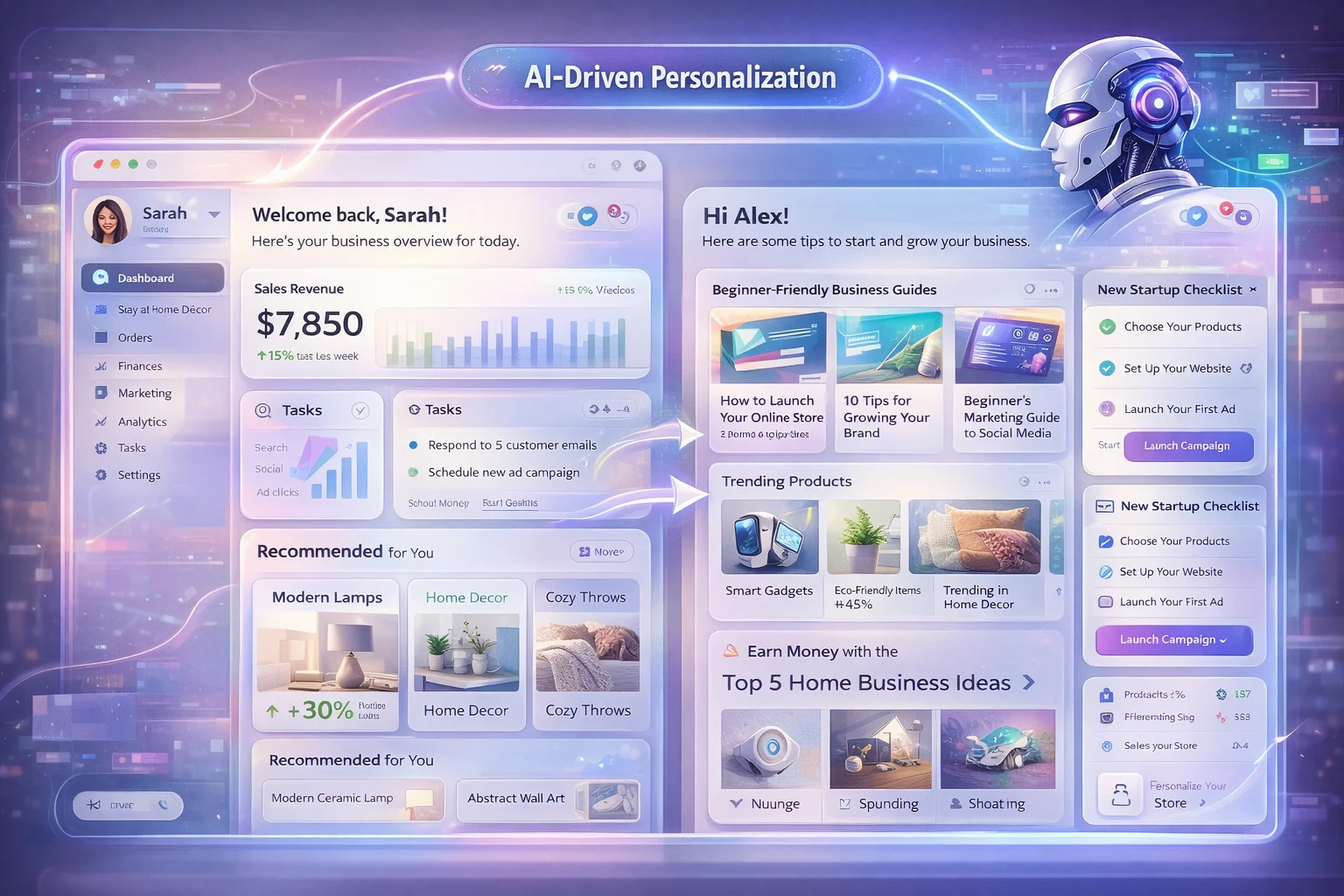
AI-powered personalization is the single biggest trend in web design for 2026.
But this isn’t the old “display John’s name at the top” personalization we’ve seen before—it’s far deeper and significantly more sophisticated.
Today’s AI systems can analyze real-time behavior, not just past clicks.
They’re watching how you scroll, where you pause, what you hover over, and using that information to change layouts, content order, and messaging mid-session.
The result? Each visitor essentially sees a unique site experience tailored to their specific needs and intentions.
In practice, that means a homepage might look entirely different for someone who came from a blog post versus someone who’s a returning buyer.
A SaaS pricing page might reorder feature highlights based on patterns in the user’s device or session behavior that suggest they care most about.
An e-commerce site might surface different product categories depending on whether you’re browsing casually or shopping with clear intent.
This adaptive UX makes experiences feel more intuitive and far more relevant.
No more one-size-fits-all layouts that force everyone through the same rigid journey.
Instead, the site shapes itself around you, removing friction and surfacing exactly what you need when you need it.
The brands getting this right are seeing tangible results—higher engagement, better conversion rates, and customers who actually enjoy using their websites rather than fighting them.
2. Adaptive & Intelligent Interfaces (Beyond “Responsive”)
We all know responsive design, where the layout changes with screen size.
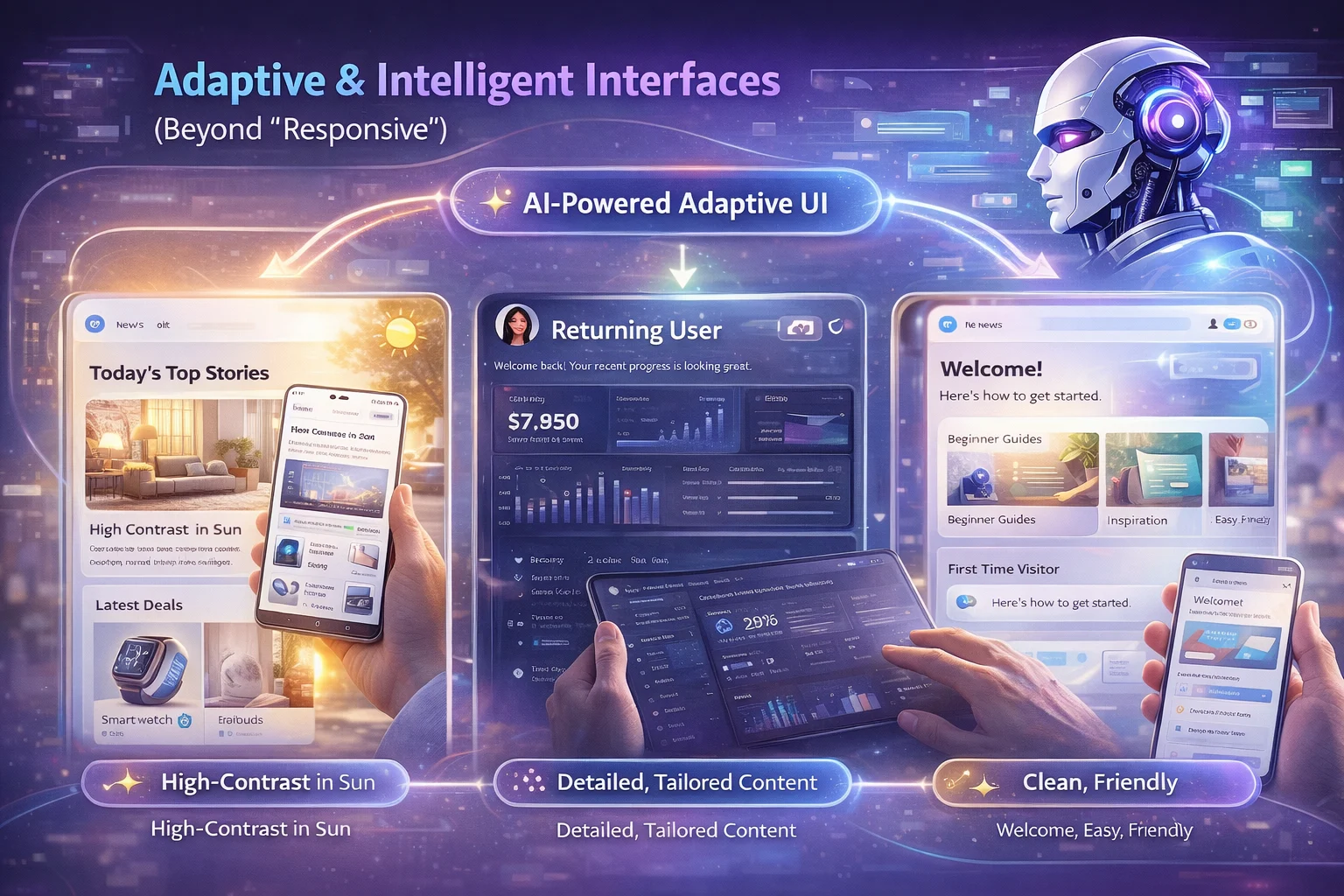
That’s been table stakes for years now. But adaptive design powered by AI goes further: it reshapes the interface based on user behavior, context, and goals, not just viewport dimensions.
AI can now influence color schemes and contrast levels depending on usage patterns. It adjusts content density based on whether visitors are first-time or returning.
Some systems are even dynamically adjusting the tone of language for different audiences—more technical for power users, simpler and friendlier for newcomers.
So what was once a static visual UI becomes a behavioral UI—one that adapts its appearance and feel for each person.
That’s a major shift from simply “mobile-friendly” to genuinely user-friendly in context.
Think about what this means in practice.
Someone accessing your site in bright sunlight might automatically get a higher contrast setting.
A user who consistently engages with detailed content might see more information density, while someone who skims gets a cleaner, more focused layout. The interface meets people where they are, rather than forcing everyone into the same experience.
3. Intelligent Layouts & Real-Time Content Adaptation
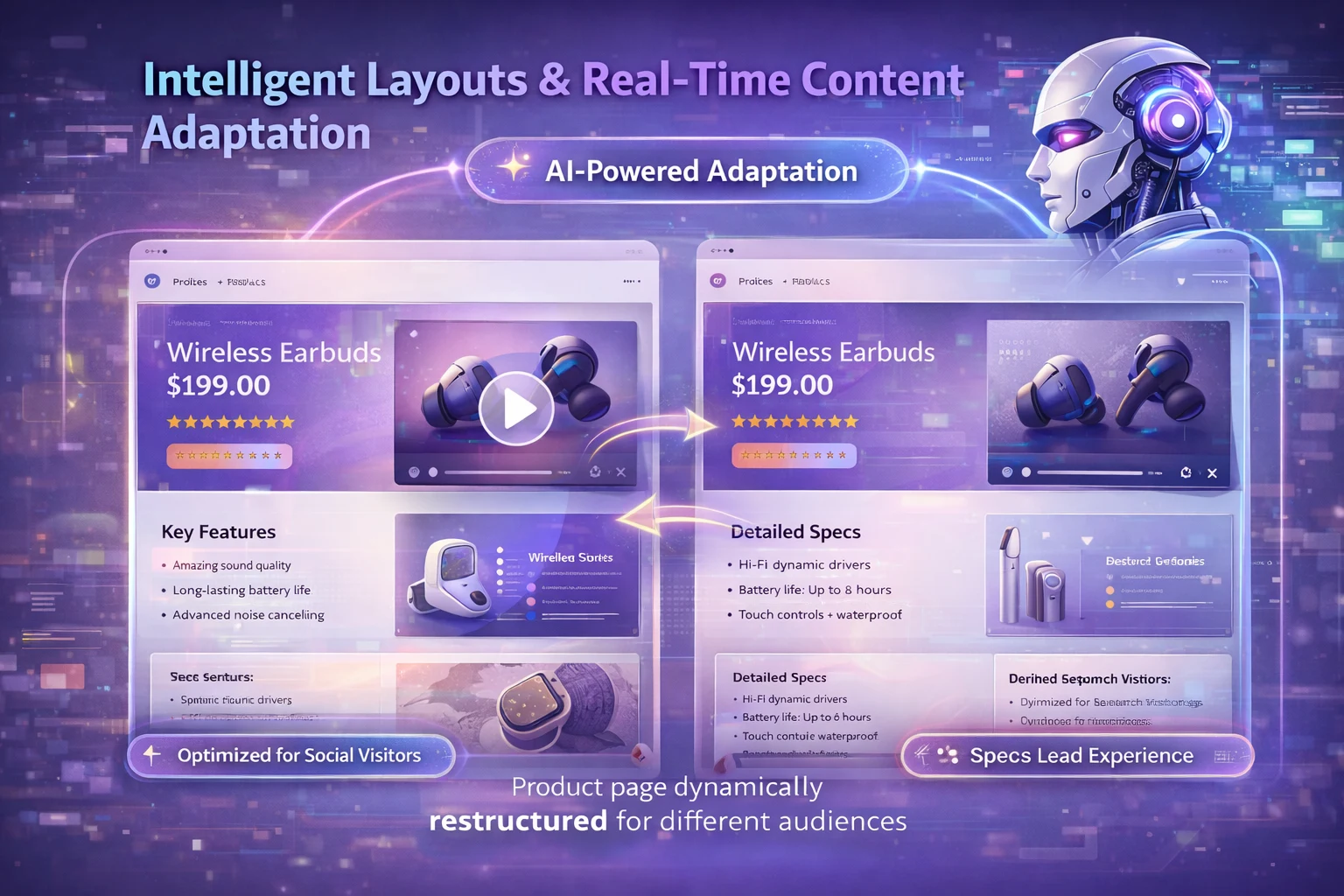
One of the coolest ways AI is influencing web design right now is by automatically restructuring layouts—not arbitrarily, but based on what users are most likely to interact with.
Instead of building multiple versions manually and A/B testing them over weeks, AI can adjust the content hierarchy in real time, highlight features dynamically depending on signal patterns, and swap visual elements based on device, location, or user behavior.
This means the site isn’t a static configuration—it’s more like a living interface that learns what works best as people use it.
Here’s a real-world example: imagine a product page where the AI notices that users coming from social media engage more with video content, while users from search prefer detailed specifications.
The page automatically restructures itself to lead with video for social traffic and specs for search traffic.
No manual intervention needed—the AI figures it out and applies it.
This kind of intelligent adaptation means your website gets smarter over time, constantly optimizing itself based on actual user behavior rather than assumptions or outdated best practices.
4. Automated Design Assistance Is Becoming Standard
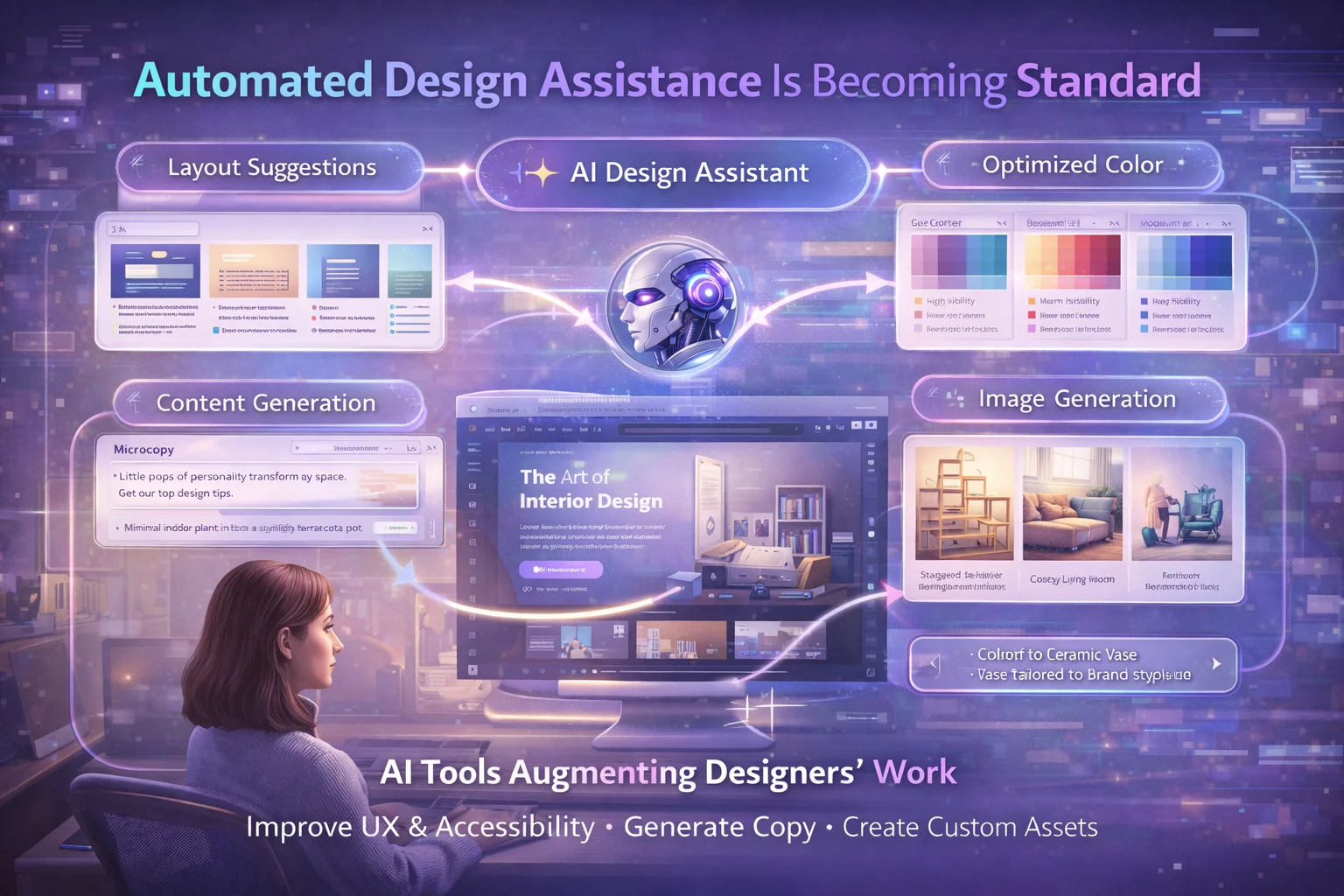
Designers increasingly rely on AI tools not just for assets, but for intelligent decision support in the creative process.
And here’s the important part: AI isn’t replacing designers—it’s augmenting their work in powerful ways.
AI is now assisting with layout suggestions based on UX signals, color palette optimization based on accessibility and psychological cues, content generation including microcopy and alt text, and image and asset creation tailored to brand context.
Rather than replacing designers, these tools reduce grunt work, allowing professionals to focus on strategy and nuance.
The tedious parts—generating variations, checking contrast ratios, writing repetitive microcopy—get handled by AI.
The creative thinking, strategic decisions, and brand expertise? That remains firmly in human hands.
The result is that design teams can move faster and explore more options without sacrificing quality.
What used to take days of iteration can now happen in hours, freeing up time for the kind of deep thinking that actually differentiates great design from mediocre work.
5. Real-Time A/B Testing & UX Optimization
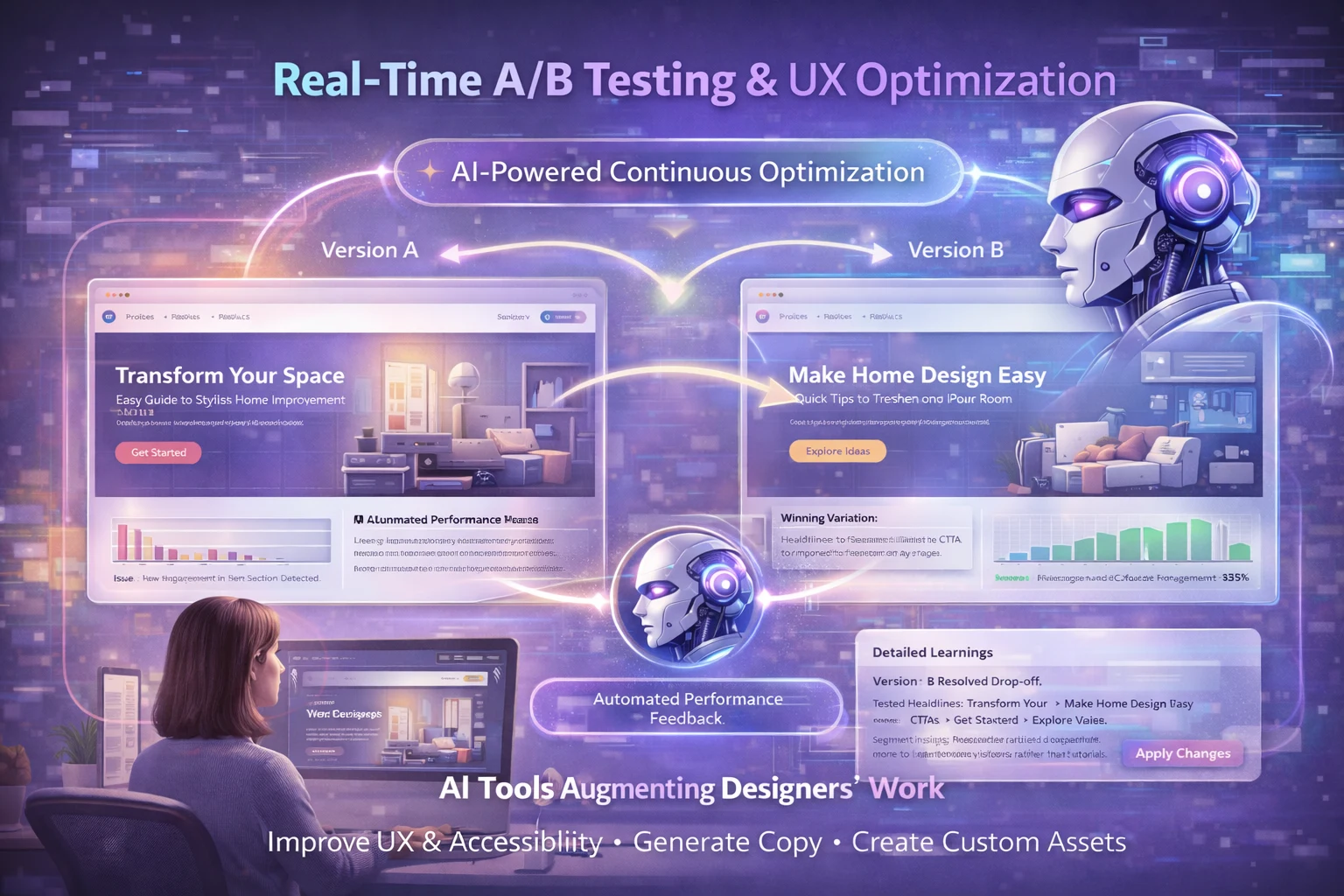
AI now powers automatic UX testing. Rather than designers manually running split tests over weeks, AI-driven systems can test alternate versions and recommend changes in real time.
Imagine this scenario: AI detects users dropping off at a hero section. It automatically tries alternate headlines, layouts, and CTAs. It learns which variation retains users better—and applies it. All without you lifting a finger.
This isn’t theoretical anymore—tools are rolling out with automated performance feedback and live layout recommendations.
The system becomes a continuous optimization engine, constantly testing, learning, and improving.
What makes this particularly powerful is the speed. Traditional A/B testing requires significant traffic and time to reach statistical significance.
AI-powered optimization can identify patterns faster and test more variables simultaneously, dramatically accelerating the learning curve.
The best part? These systems don’t just tell you “Version B won.”
They explain why it won, what user segments responded to it, and how the insights might apply to other parts of your site.
The learning compounds over time.
6. Conversational UI & Intelligent Bots Are UX Frontiers
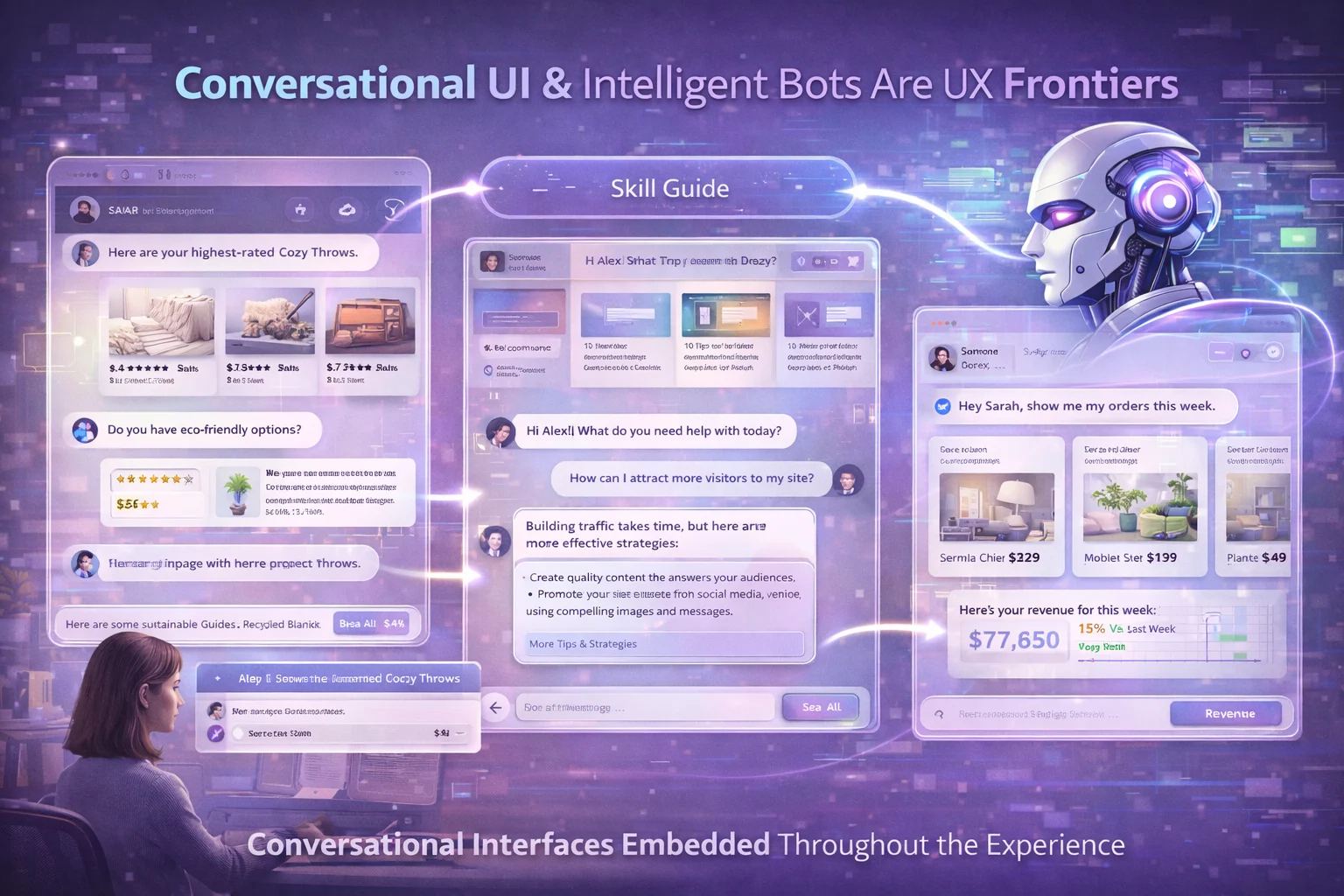
Chatbots used to be static widgets stuck in the corner of your screen, frustrating users with canned responses and limited understanding.
Now, with AI advances, conversational interfaces are woven into the design experience itself, guiding users, answering questions, and even predicting next steps.
These aren’t just “support bots”—they’re conversational layers that provide context-aware help, navigate users through complex tasks, respond with tailored content excerpts, and serve as dynamic entry points to parts of the site.
This trend is reimagining interaction—not just clicking, scrolling, or tapping, but talking to the interface itself.
And the technology has finally reached a point where it actually works well enough to be useful rather than annoying.
For complex products or services, conversational UI is becoming essential.
Instead of forcing users to hunt through documentation or navigate complex menu structures, they can simply ask what they need and get pointed in the right direction.
The interface becomes a helpful guide rather than an obstacle course.
7. AI & Accessibility Become Intertwined
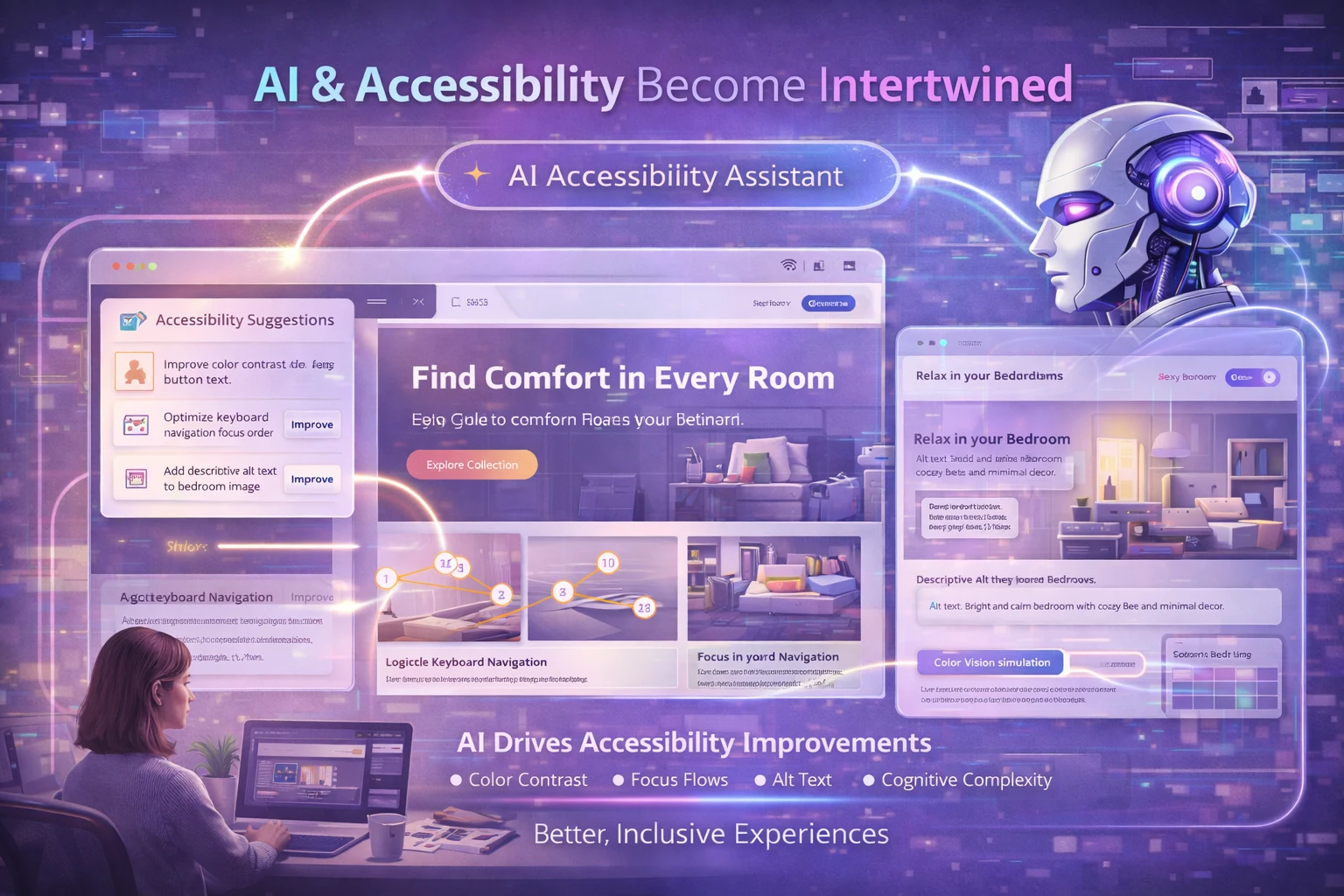
Here’s something really exciting: 2026 is seeing a shift where AI accessibility checks don’t just fix issues after the fact—they predict accessibility outcomes based on design patterns before you even launch.
AI models now analyze websites holistically, testing color contrast, focus flows, logical screen-reader navigation, and even cognitive effort based on content structure.
Designers can get real-time accessibility insights early in the design process, not after launch, when fixing issues is exponentially more expensive and time-consuming.
Interestingly, accessibility signals are now also tied to overall UX quality and search visibility, meaning AI can help both users and SEO performance simultaneously.
This creates a virtuous cycle: designing for accessibility improves the experience for everyone, which in turn improves engagement metrics, which then improve search rankings.
The practical impact is huge.
Teams that previously struggled to maintain accessibility standards now have AI assistants that catch issues in real time, suggest fixes, and even automatically implement corrections for common problems.
Accessibility is finally becoming a natural part of the design process rather than an afterthought.
8. AI Assisting Behind the Scenes
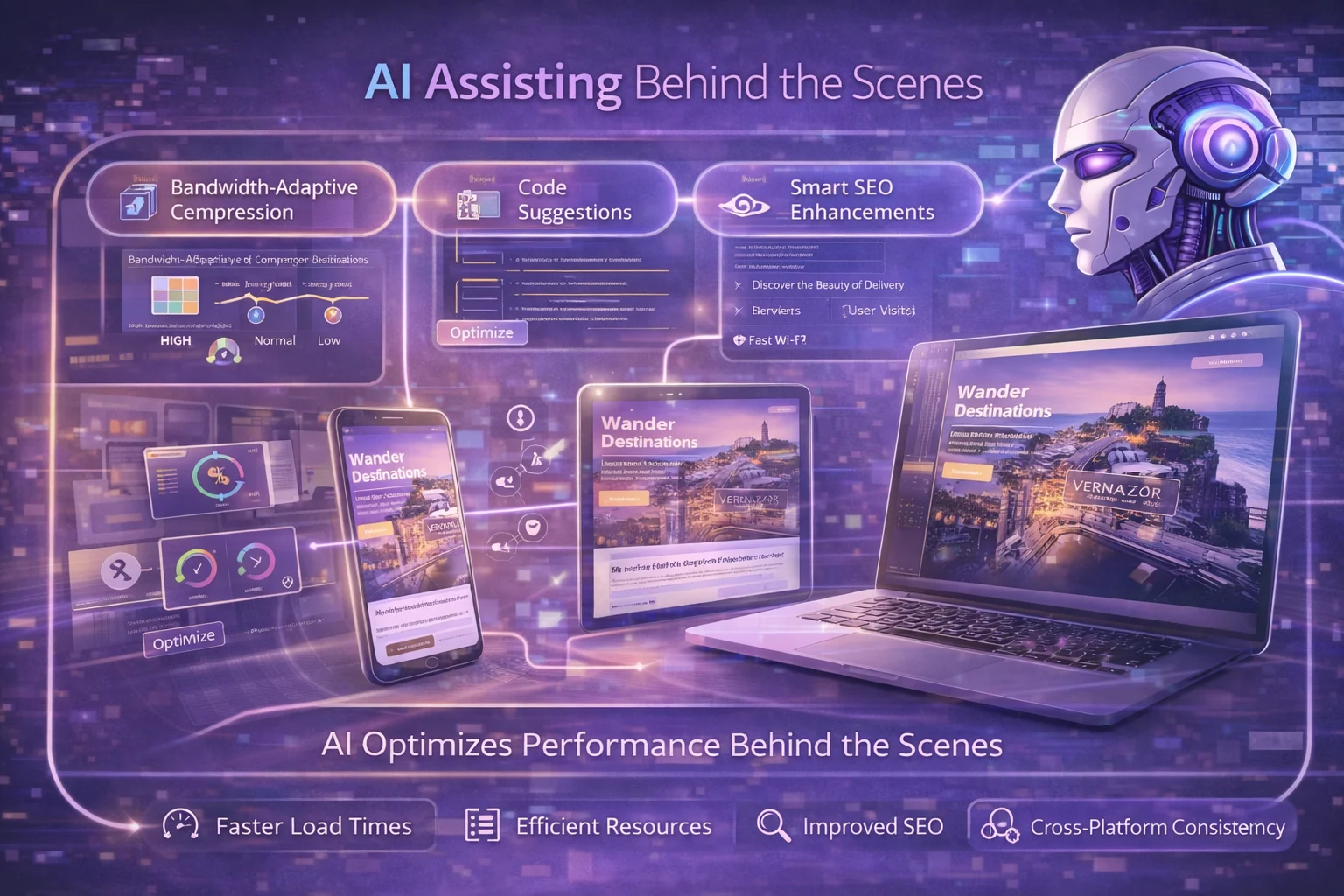
Beyond face-value personalization and visible interface changes, AI is also reshaping performance and architecture in ways users never directly see—but absolutely feel.
AI is now optimizing image delivery based on device capabilities and network conditions, compressing assets based on user bandwidth, providing code suggestions to reduce load time, and improving SEO through smart metadata and schema suggestions.
These sorts of improvements often go unnoticed visually—but they shape the speed, responsiveness, and quality of modern experiences.
A site that loads instantly feels professional and trustworthy. One that lags feels broken, even if the design is beautiful.
AI handles these technical optimizations automatically, ensuring that the gorgeous design you’ve created actually performs well in the real world across different devices, network conditions, and contexts.
It’s the invisible foundation that makes everything else possible.
9. Voice User Interfaces Are Finally Growing Up
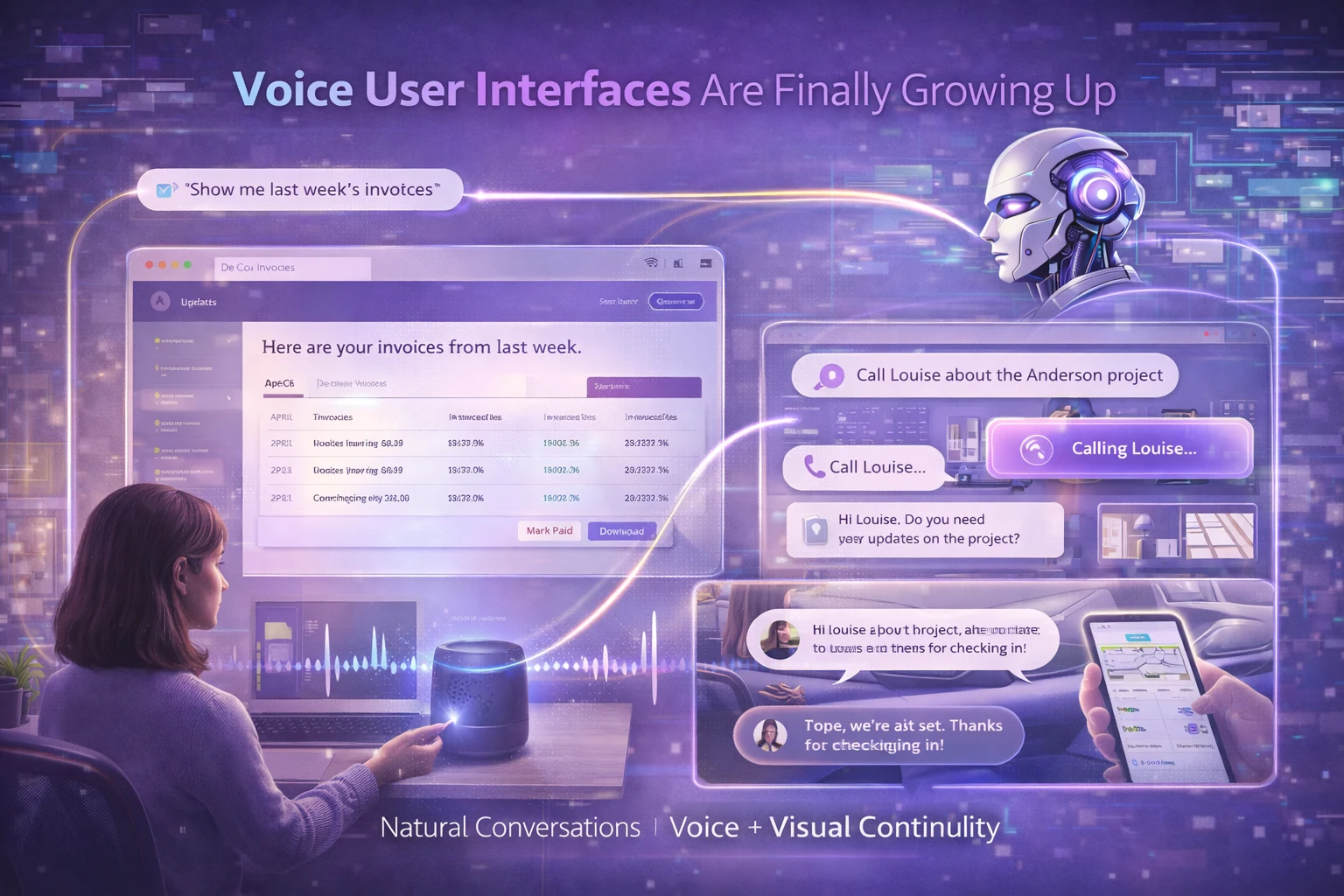
Voice assistants used to sound awkward and robotic—remember the early days of Alexa? But in 2026, voice user interfaces have finally matured into genuinely useful design elements.
Thanks to advances in natural language processing, voice interfaces now understand context, nuance, and conversational patterns.
They’re no longer niche features stuck in the corner—they’re becoming fundamental touchpoints for how users interact with websites and applications.
Voice UI in 2026 goes beyond simple commands.
Users can navigate entire websites, issue complex requests, and have meaningful conversations with interfaces.
Imagine asking a website, “Show me last week’s invoices,” and having it actually understand and execute that request.
That’s not science fiction anymore—it’s happening right now.
The real breakthrough isn’t voice-only experiences—it’s multimodal design where voice and visual elements work together to create something neither could achieve alone.
Users might start a task with voice commands while driving, then switch to touch when they arrive at their destination, with the interface maintaining perfect continuity throughout.
For designers, this means thinking beyond screens.
You need to consider not just how something looks, but how it sounds, how it responds to spoken input, and how to gracefully handle situations when voice recognition fails.
The best voice interfaces have clear fallback options and combine voice with visual feedback to create seamless experiences.
Research shows that by the end of 2026, over 157 million people in the US alone will regularly use voice assistants.
The shift is happening now, and websites that don’t accommodate voice interaction risk feeling outdated.
10. Generative Design Tools Are Accelerating Creative Workflows
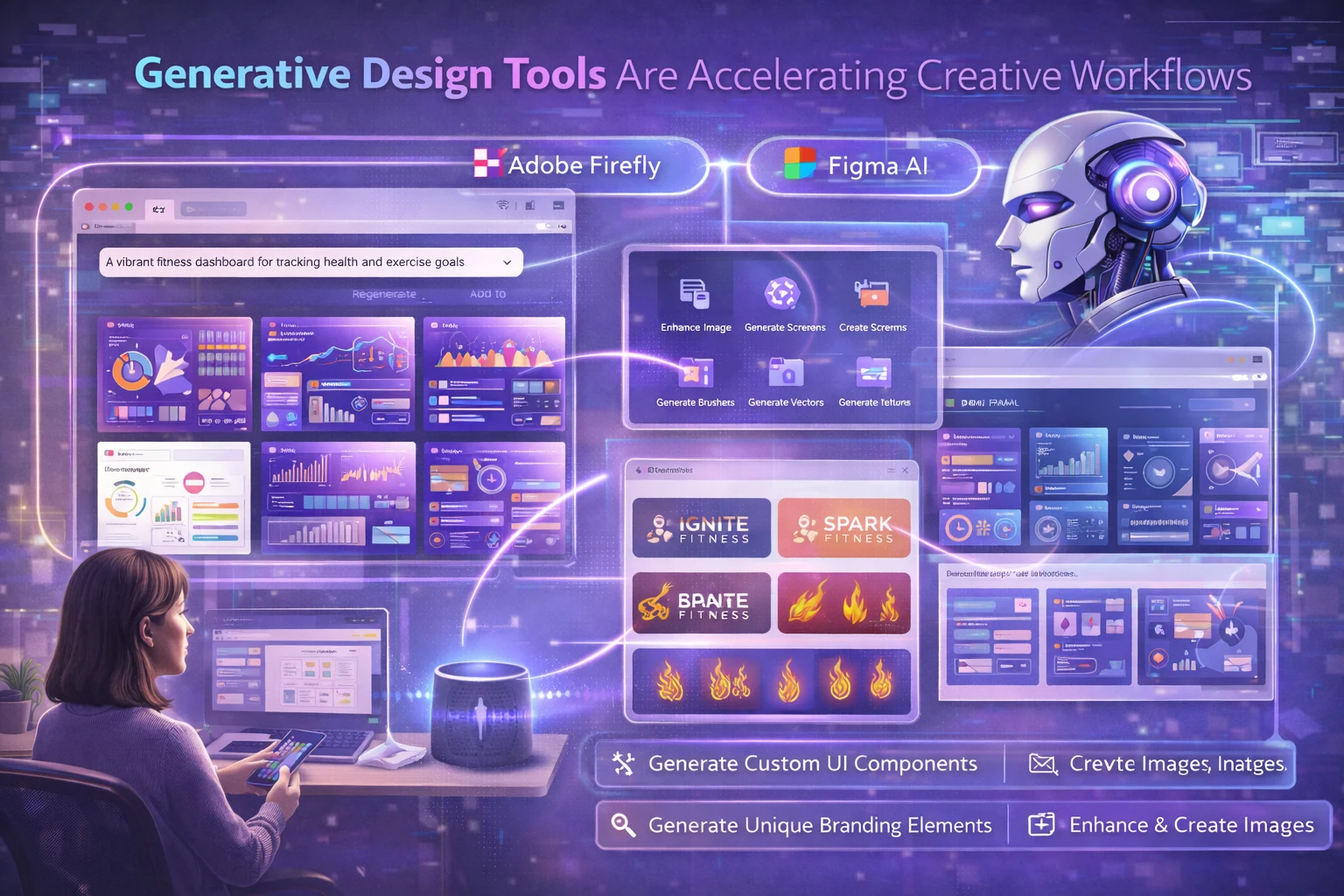
These platforms use advanced algorithms to generate thousands of design variations in seconds, allowing designers to iterate on concepts with unprecedented speed.
Tools like Adobe Firefly, Figma’s AI features, and specialized platforms are providing designers with an infinite range of generative AI models for content creation.
You can effortlessly generate custom vectors, brushes, textures, and branding elements—work that used to take hours now happens in minutes.
But here’s what makes this trend different from simple automation: generative design doesn’t just speed things up—it opens creative possibilities that would be impractical or impossible through traditional methods.
AI can explore design permutations you might never have considered, suggesting unexpected solutions that push your creative boundaries.
For UI design specifically, AI tools can now generate entire screens, flows, and components from natural language prompts.
You describe what you want—”Create a dashboard for tracking fitness metrics with a modern, energetic feel”—and the AI produces multiple high-quality options.
You’re not replacing the designer; you’re giving them superpowers to explore more ideas faster.
The smart designers in 2026 are using these tools for rapid ideation and exploration, then applying their expertise to refine, polish, and add the human touch that makes designs truly resonate with users.
The AI handles the heavy lifting; humans provide the strategic thinking and creative direction.
11. Immersive AR and VR Experiences Are Moving Beyond Gimmicks
Augmented and Virtual Reality aren’t experimental anymore—they’re becoming practical, integrated features of modern web experiences in 2026.
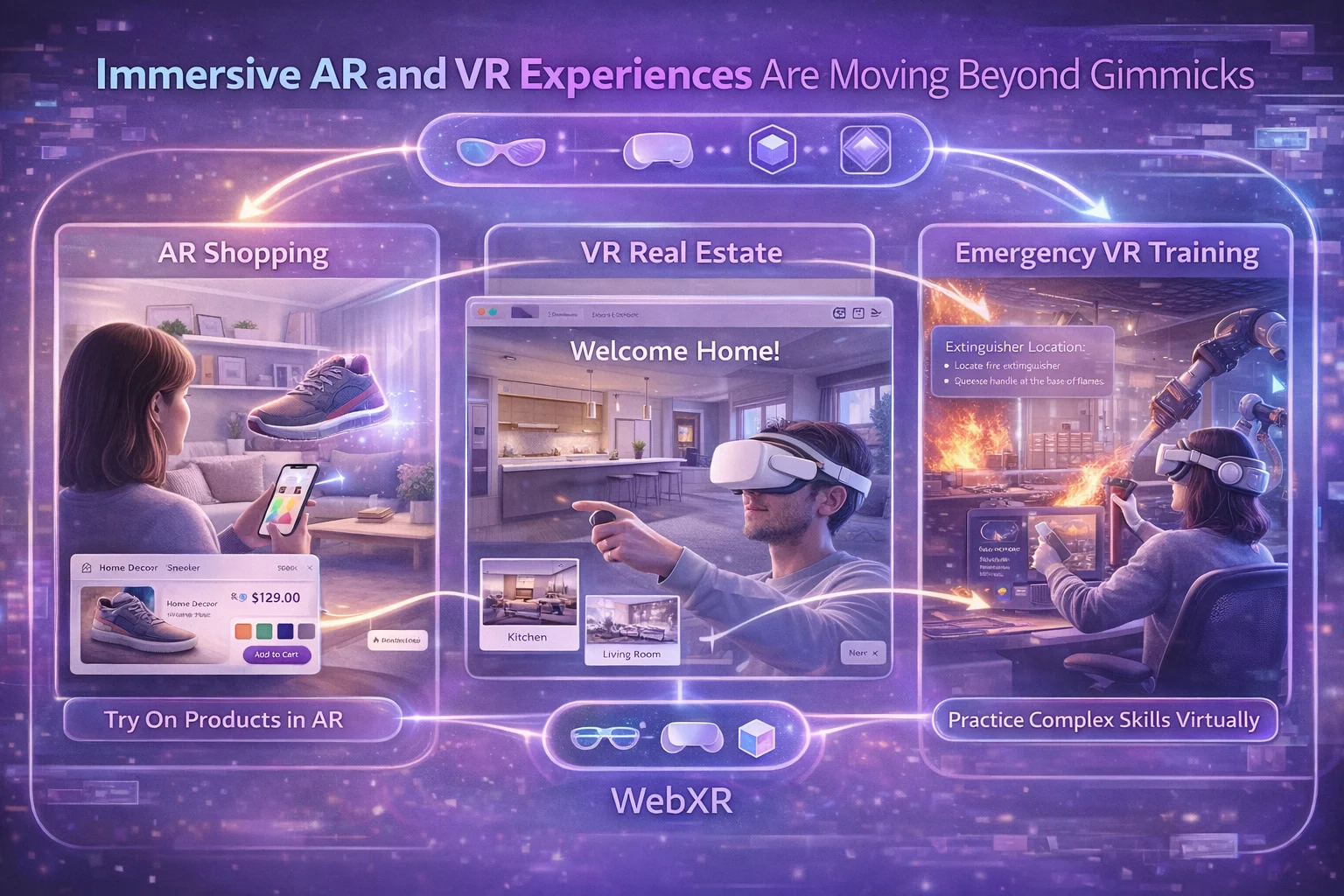
Thanks to advances in WebXR and browser capabilities, immersive 3D experiences can now be embedded directly into websites without requiring special apps or expensive hardware.
Unlike the gimmicky 3D of the past, 2026’s immersive experiences emphasize context-aware, practical applications.
E-commerce sites let customers virtually try on products or preview furniture in their actual rooms using their smartphone cameras.
Real estate platforms offer immersive virtual tours that let potential buyers explore properties before scheduling physical visits.
AR product configurators have become particularly powerful for retail.
Customers can rotate, zoom, and customize products in real-time, seeing exactly how different colors, materials, or configurations will look.
This reduces purchase uncertainty and has been shown to cut return rates by up to 40% while increasing conversion rates by a significant amount.
For industries like education and training, VR offers safe, repeatable environments where complex skills can be practiced without real-world consequences.
Manufacturing companies use VR simulations to train workers on dangerous equipment, while medical professionals practice procedures in realistic virtual environments.
The key shift is that AR and VR are no longer standalone experiences—they’re integrated into normal web workflows.
You don’t need to “enter VR mode” as a separate activity. Instead, immersive elements appear naturally where they add value, enhancing the core experience rather than replacing it.
Browser makers are actively supporting WebXR standards, making these experiences accessible across devices without special downloads.
The friction is disappearing, and with it, so are the barriers to mainstream adoption.
12. Zero UI and Ambient Computing Are Reshaping Interactions
Here’s something that sounds counterintuitive: the best interfaces in 2026 might be the ones you never see.
Zero UI—also called ambient computing or invisible interfaces—represents a shift toward technology that reads context, predicts needs, and executes tasks without requiring traditional screen-based interaction.
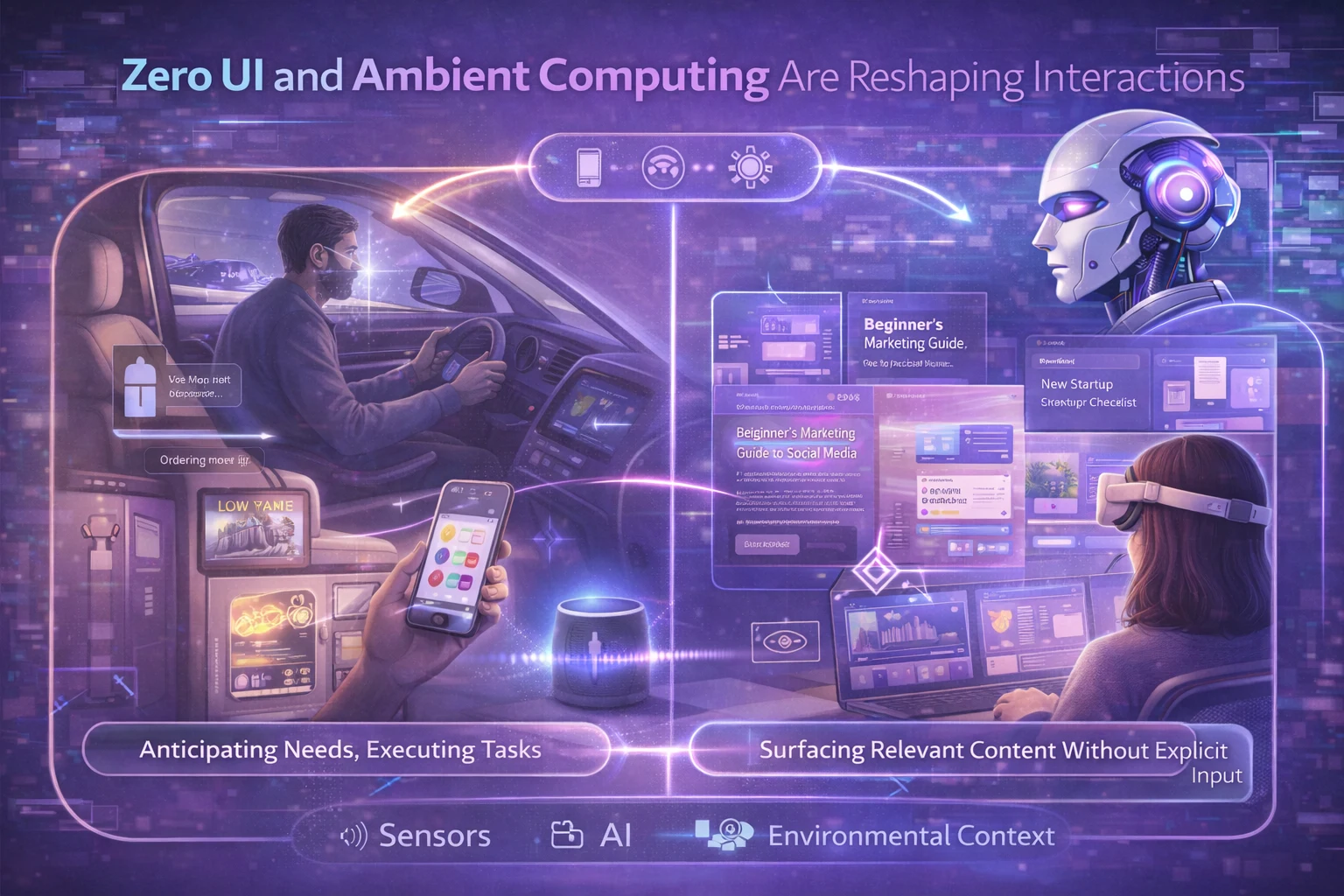
Instead of users navigating through menus and buttons, zero UI systems use sensors, AI, and contextual awareness to understand what users need and provide it proactively.
A smart fridge that detects you’re low on milk and automatically orders more. A car that adjusts your seat, mirrors, and climate settings the moment you get in because it recognizes your face.
In web design, this manifests as interfaces that anticipate user intentions and reduce the number of steps needed to accomplish tasks.
Rather than making users click through multiple pages to find information, AI analyzes user behavior and automatically surfaces relevant content.
The shift isn’t about eliminating screens entirely—it’s about making interactions so seamless that the technology fades into the background.
Users accomplish their goals without thinking about the interface itself. The experience becomes frictionless.
Smart gesture recognition and sensor integration allow websites to respond to natural movements and actions.
Voice, touch, and environmental context combine to create what researchers call “multimodal” experiences—interfaces that blend multiple input methods smoothly based on user needs and circumstances.
The challenge for designers is creating these ambient experiences while maintaining user control and transparency.
The best zero UI implementations make users feel empowered, not surveilled. They enhance convenience without crossing into creepy territory.
Designing AI Products That Actually Make Sense (and Actually Work)
AI is powerful.
But without thoughtful product design, it quickly becomes confusing, overwhelming, or worse—unused.
I help founders, startups, and growing businesses design AI-powered products that feel intuitive, trustworthy, and genuinely useful. Not demos. Not buzzwords. Real experiences people enjoy using.

- Turning complex AI capabilities into clear, human-friendly interfaces
- Designing agentic, adaptive, and intelligent UX without sacrificing user control
- Building AI onboarding, flows, and dashboards that reduce cognitive load
- Designing for accessibility, performance, and real-world behavior
- Aligning AI features with business goals, not just technical possibilities
I don’t design “AI for the sake of AI.”
I design outcomes—faster decisions, smoother workflows, higher trust, better conversions.
If you’re:
- Building an AI-first product
- Adding AI features to an existing platform
- Struggling to make AI feel usable, explainable, or valuable
- Or planning a 2026-ready web or SaaS experience
This is exactly where I can help.
👉 Let’s design AI experiences that users actually understand and businesses can scale with.
Reach out to discuss an AI product design audit, UX strategy, or end-to-end design support.
Because great AI isn’t just intelligent.
It’s well-designed.
13. Hyper-Realistic Visual Rendering Is Becoming Standard
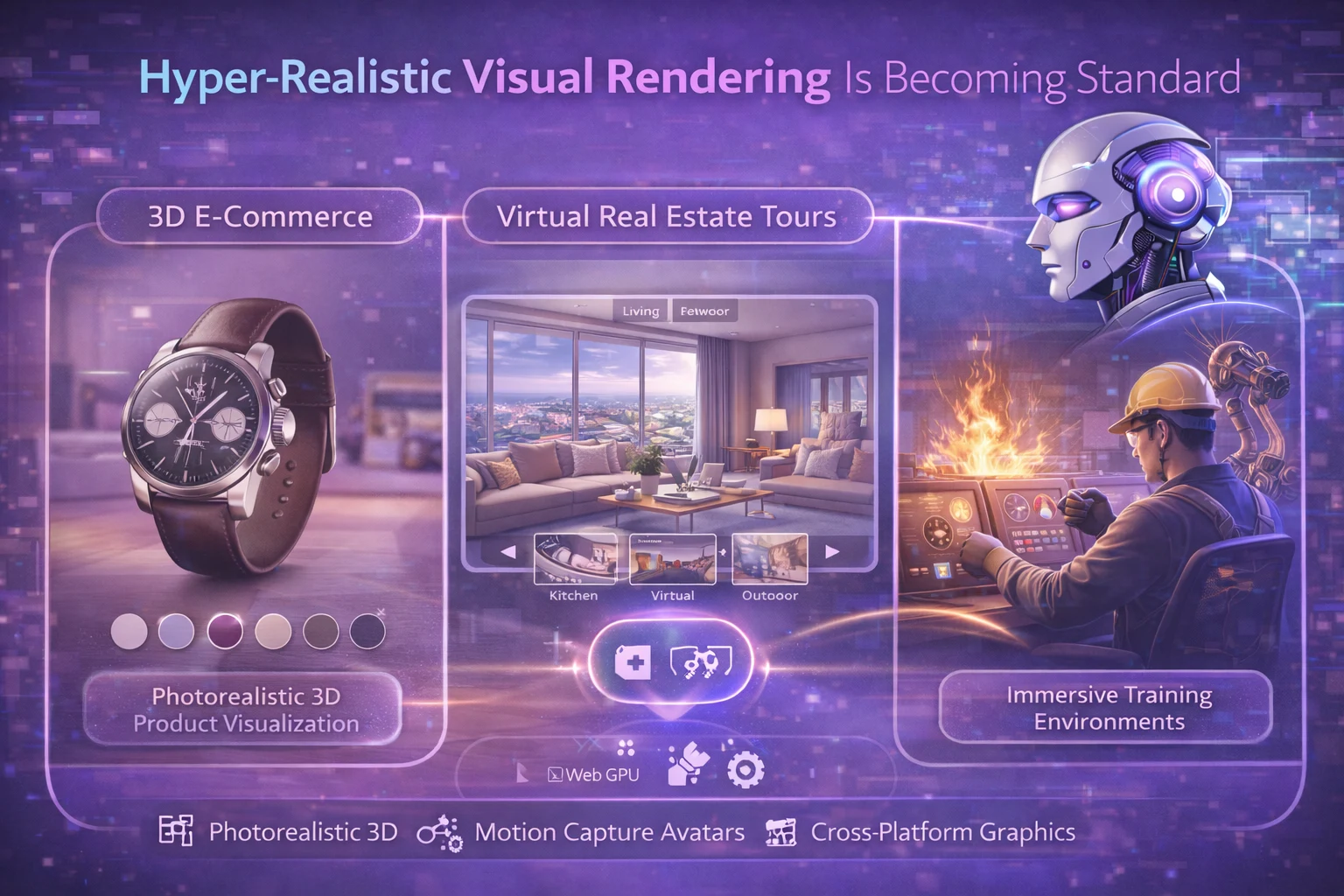
Advances in rendering technology, WebGPU, and graphics processing are bringing photorealistic visuals to web experiences in 2026.
What used to require expensive game engines and specialized hardware can now run smoothly in web browsers across a wide range of devices.
This trend goes beyond just pretty pictures—it’s about creating emotional connections through visual fidelity.
Luxury brands use photorealistic 3D product visualizations that let customers examine items in stunning detail.
Real estate developers showcase properties with such accuracy that clients can make purchasing decisions based purely on virtual walkthroughs.
Motion capture technology has advanced to the point where virtual avatars can convey realistic facial expressions and non-verbal cues.
This dramatically improves virtual meetings and collaborative experiences, helping combat the sense of disconnection that comes with current video conferencing tools.
For enterprise applications, hyper-realistic simulations create training environments where workers can practice complex tasks safely.
The visual fidelity makes these experiences genuinely immersive, leading to better skill retention and faster learning compared to traditional methods.
The technical enabler here is AI-assisted rendering, which uses machine learning to generate high-quality visuals more efficiently.
AI can fill in details, smooth animations, and maintain visual quality while reducing the computational load.
This makes photorealistic experiences accessible even on mid-range devices.
Brands investing in high-fidelity visuals report stronger emotional engagement and longer session times.
When digital experiences look and feel real, users connect more deeply with the content.
14. Spatial Computing Is Creating Three-Dimensional Web Experiences
Spatial computing—the technology that understands and interacts with three-dimensional space—is fundamentally changing how we think about web interfaces.
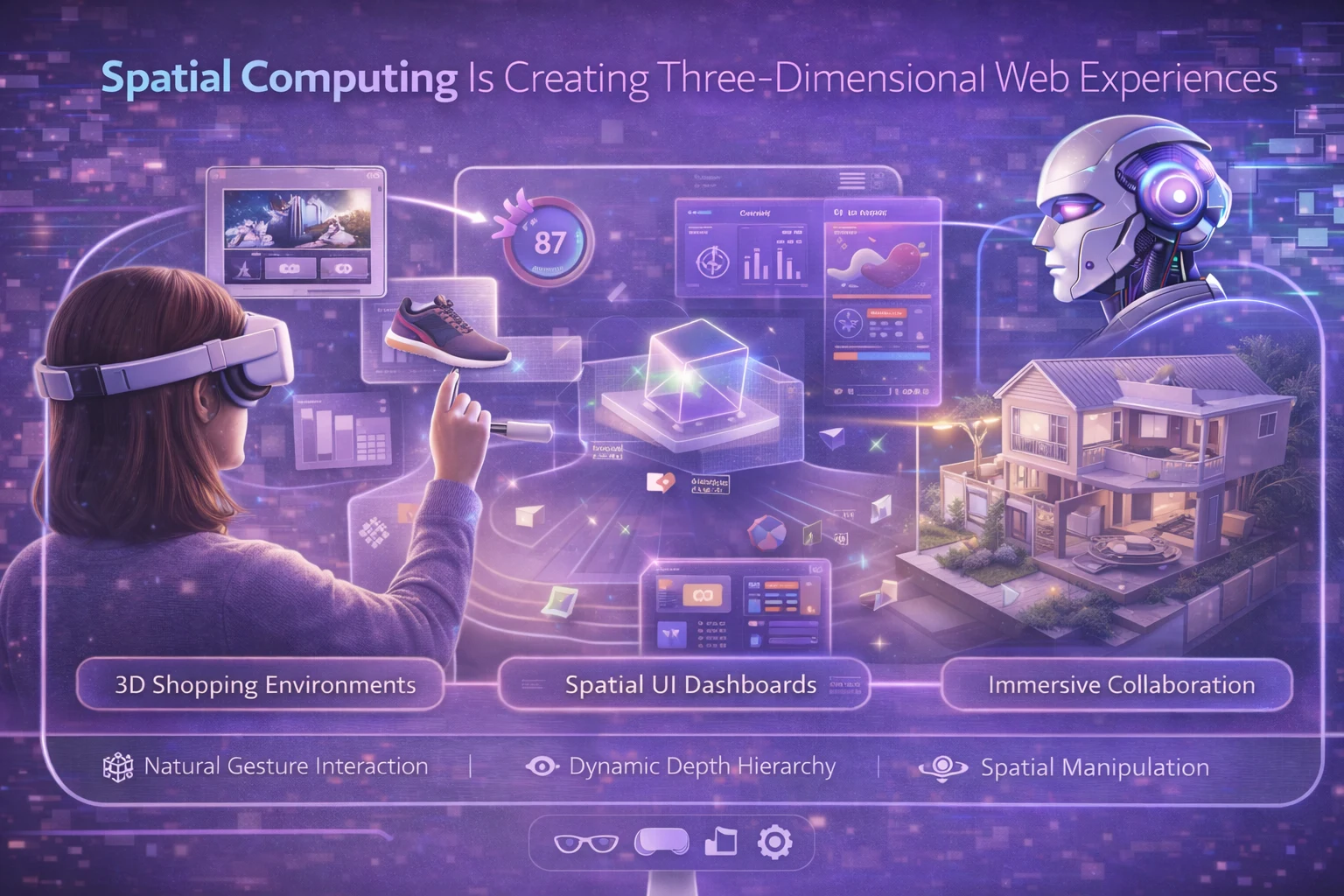
Instead of flat pages, we’re moving toward experiences in 3D space, where digital objects have depth, position, and physical relationships with one another.
This shift requires an entirely new design language.
Traditional rectangular screens give way to 360-degree spatial canvases where UI elements exist as objects in three-dimensional space.
The information hierarchy now includes literal distance from the user as a design variable—more important elements float closer, while supporting content sits farther away.
Interaction paradigms evolve beyond clicks and taps to include natural gestures, eye tracking, and spatial manipulation.
Users can reach out and grab virtual objects, rotate them, or push them away.
It feels more like interacting with the physical world than navigating a digital interface.
For designers, this means thinking about depth, perspective, and how elements relate to each other in space.
Color, lighting, and shadow become even more critical as they help users understand spatial relationships and navigate three-dimensional environments.
Early applications are appearing in creative industries, architectural visualization, and product design.
But as the technology matures and becomes more accessible, spatial computing will expand into everyday web experiences—from virtual shopping environments to collaborative workspaces where teams can manipulate 3D data together.
The browsers and web standards are catching up fast, with WebXR support improving steadily.
By late 2026, spatial web experiences will transition from novelty to expectation in certain industries.
15. Cognitive Accessibility
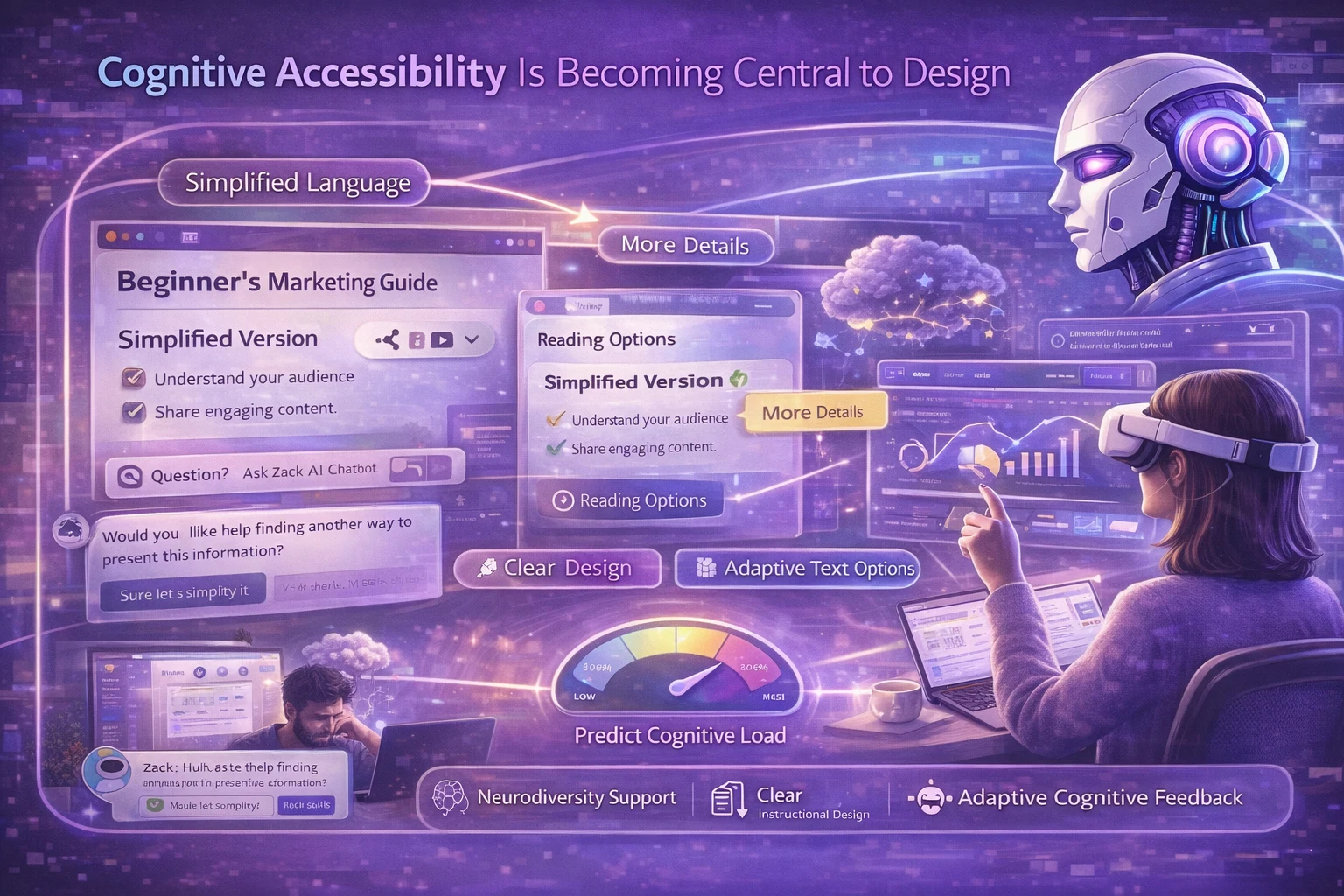
Accessibility in 2026 extends far beyond screen readers and high-contrast modes.
The focus has shifted to cognitive accessibility—designing experiences that accommodate different ways of thinking, processing information, and interacting with technology.
This means interfaces that adapt to neurodiversity, reducing cognitive load through clear information hierarchy, minimal distractions, and thoughtful pacing.
Some users need more time to process information; others benefit from denser content presentation.
AI systems can detect interaction patterns and adjust accordingly.
Cognitive accessibility also means considering users’ emotional and mental states.
If someone seems frustrated or confused based on their interaction patterns, the interface might simplify itself, offer additional guidance, or provide alternative paths to accomplish their goals.
Reading levels, language complexity, and content structure all fall under cognitive accessibility.
AI can analyze text and automatically suggest simplifications or provide multiple versions of content optimized for different comprehension levels.
The business case for cognitive accessibility is compelling: designs that reduce mental effort work better for everyone, not just users with specific needs.
Clear information architecture, thoughtful pacing, and reduced cognitive load improve conversion rates and user satisfaction across the board.
Tools are emerging that predict cognitive accessibility outcomes during the design process, allowing teams to catch issues before launch.
This proactive approach—combined with AI-powered real-time adjustments—makes cognitive accessibility a natural part of the design workflow rather than an afterthought.
✨ Big Picture: AI Is Moving from “Feature” to UX Backbone
Web design in 2026 has fundamentally changed.
Websites are no longer static pages you build once and update occasionally.
They’re intelligent systems that learn, adapt, and continuously optimize themselves.
AI is the engine making this possible—handling personalization at scale, automating tedious optimization work, ensuring accessibility, creating immersive experiences, and responding to voice commands.
The technology is woven into every layer of modern web experiences, from the visible interface down to the invisible performance optimizations happening behind the scenes.
But the vision, strategy, and creative direction? That’s still entirely human. And that’s exactly how it should be.
The designers and businesses that thrive in this new landscape are those who understand AI as a powerful tool to be wielded thoughtfully, not a magic solution to be deployed blindly.
Designers are using generative design to explore more creative options.
UI designers are building voice interfaces that feel natural.
Developers are creating immersive AR/VR experiences that solve real problems.
Creative designers are designing for cognitive accessibility.
They’re asking better questions, moving faster, and creating experiences that genuinely connect with people in ways that weren’t possible before.
The web is becoming more intelligent, more immersive, more accessible, and paradoxically, more human.
Welcome to the new era of AI-driven web design.
It’s going to be an exciting ride.