
Independence Day has a way of changing the mood around us.
A few days before August 15, the Indian tricolour starts appearing everywhere — on balconies, cars, school grounds, shopfronts, social media posts, office screens, and even tiny profile pictures. Saffron, white, and green suddenly feel a little more personal.
So, this Independence Day, I wanted to create something simple that you can enjoy on your own screen.
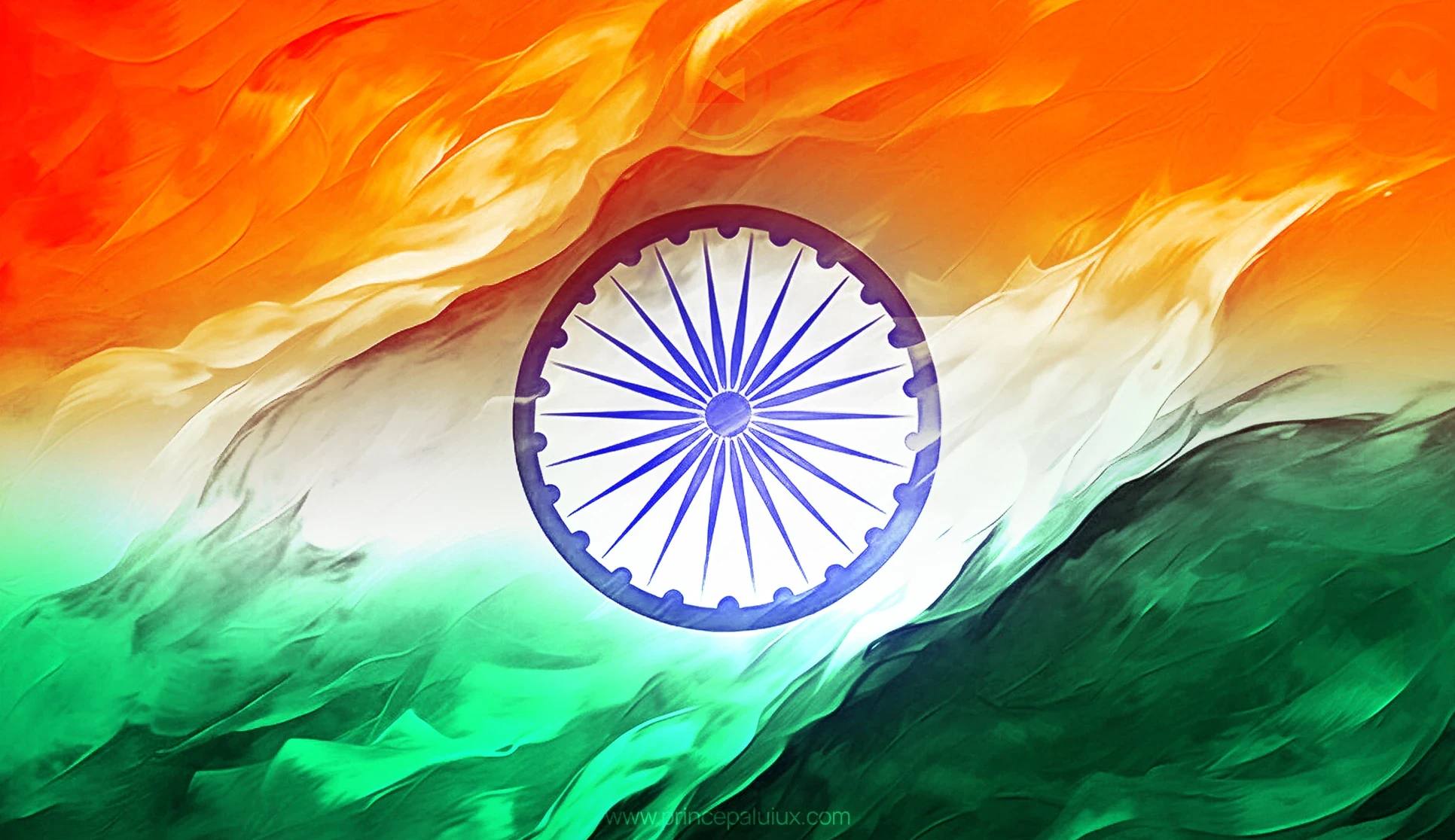
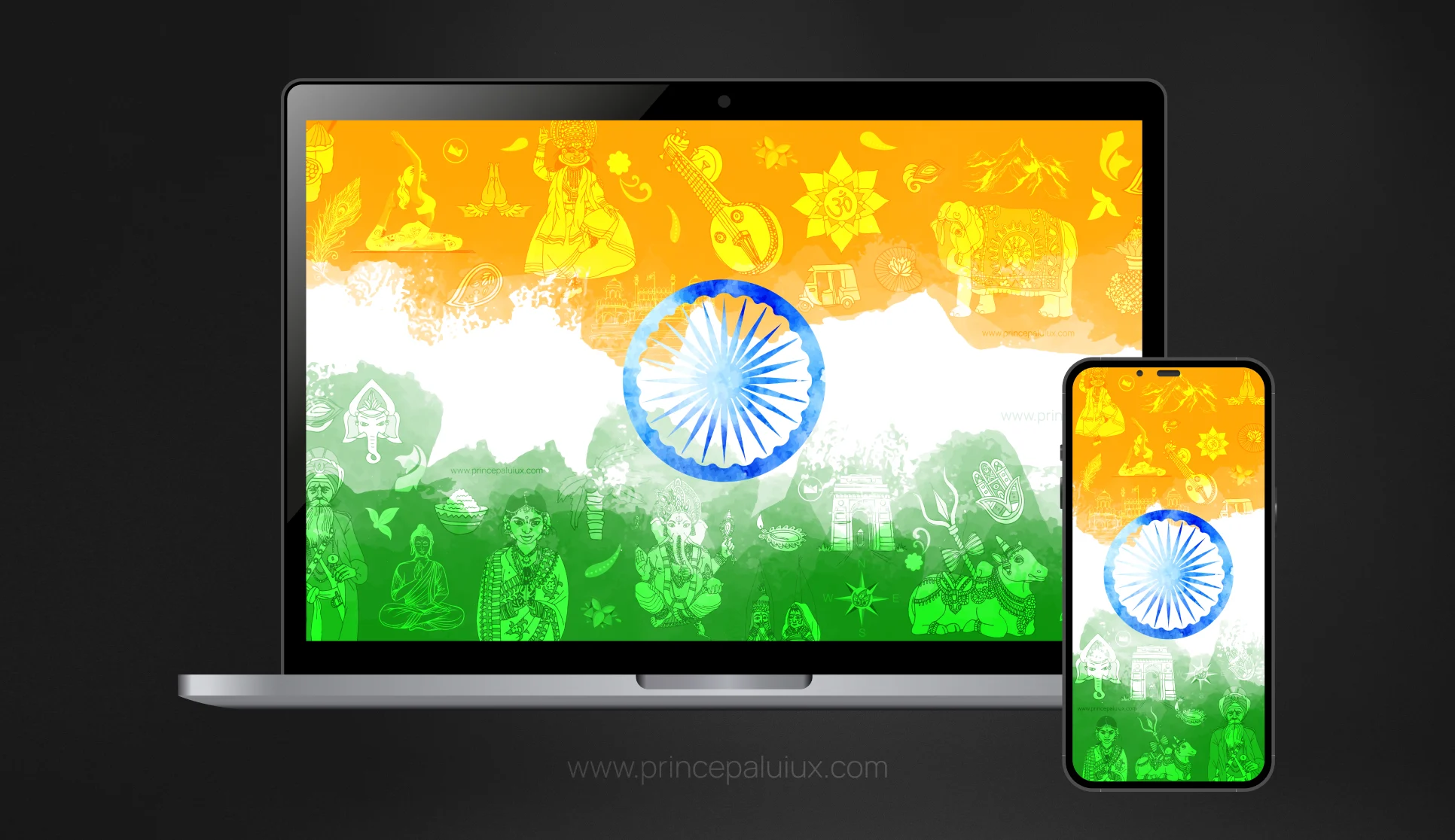
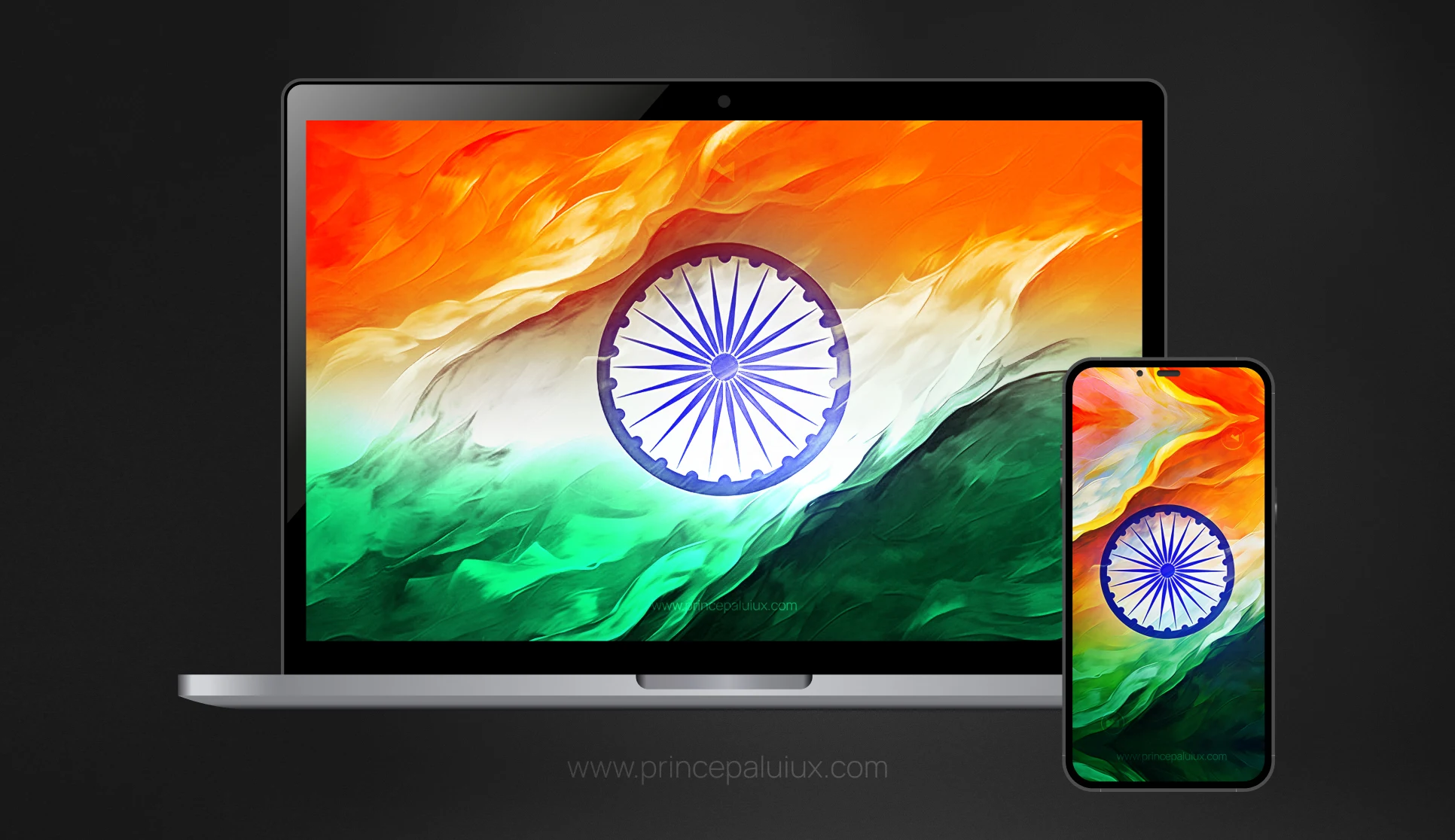
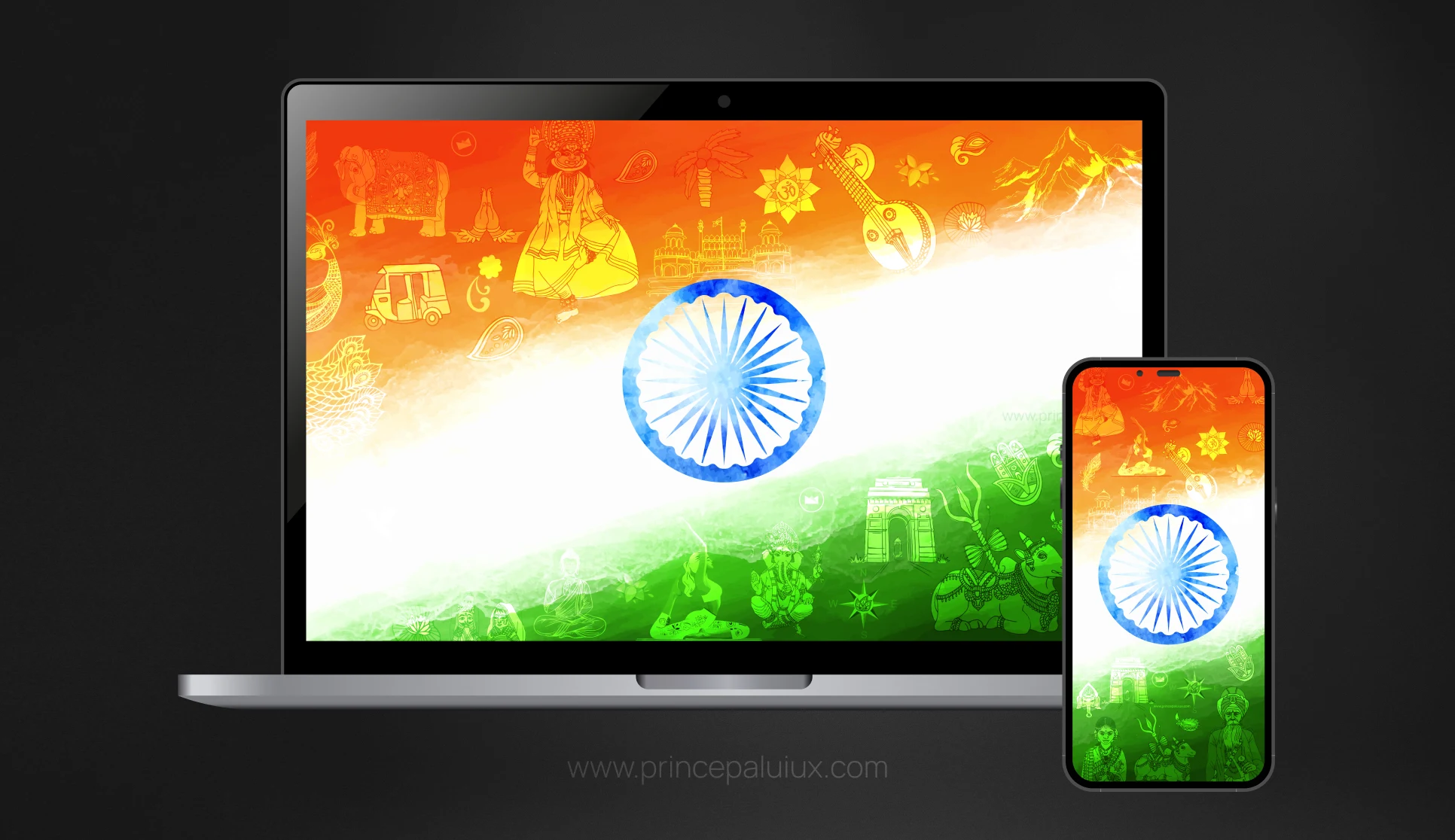
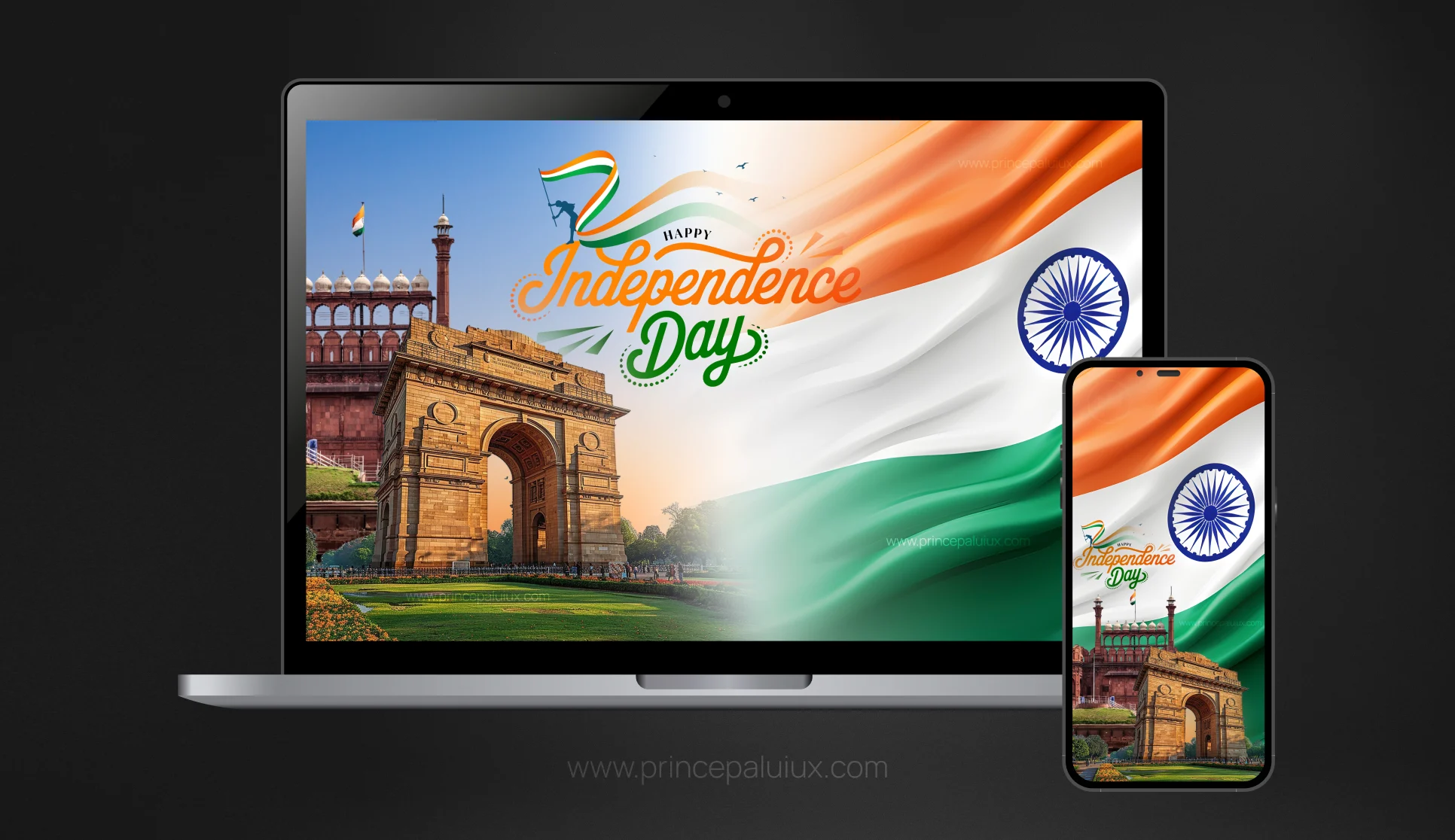
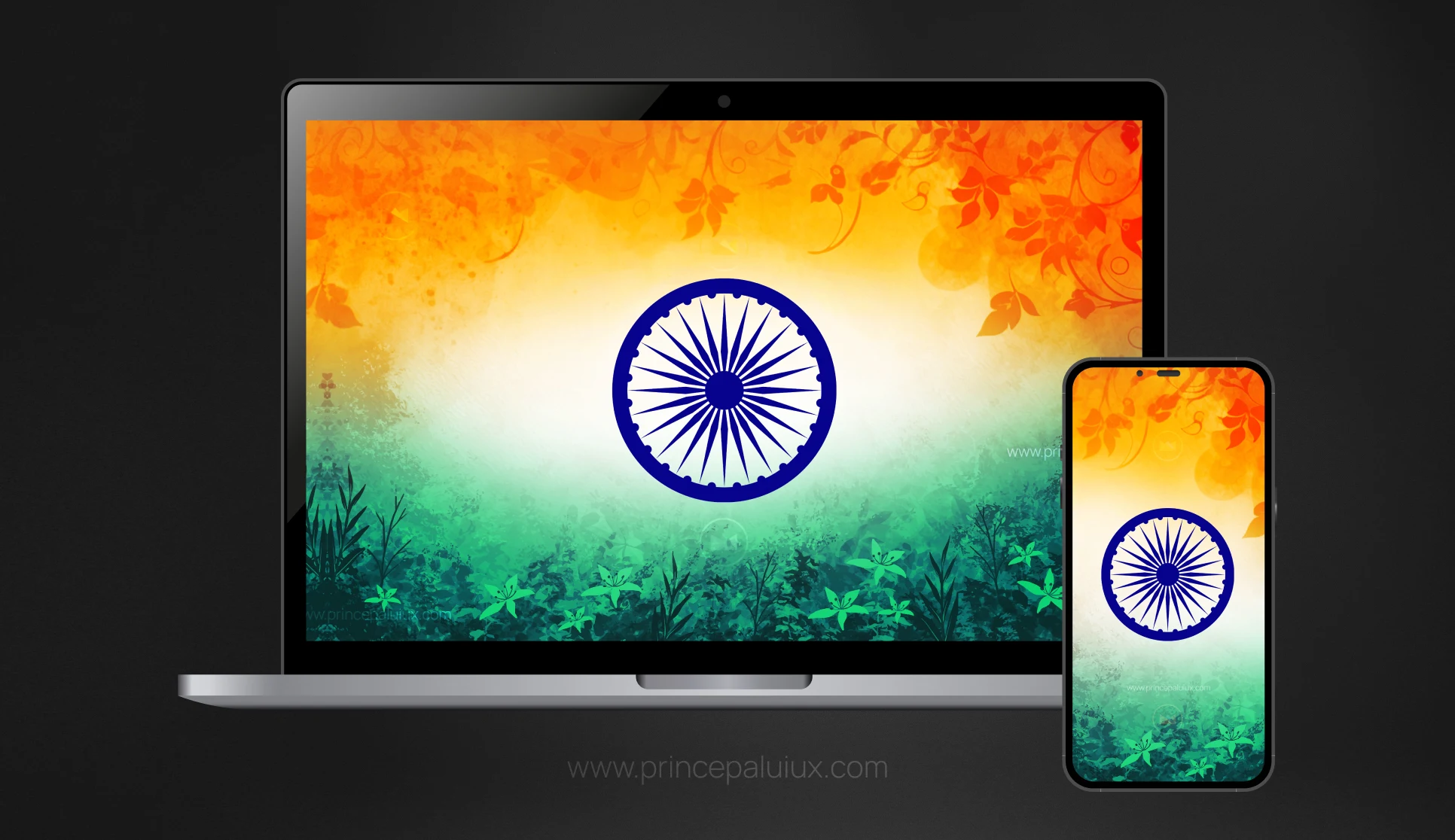
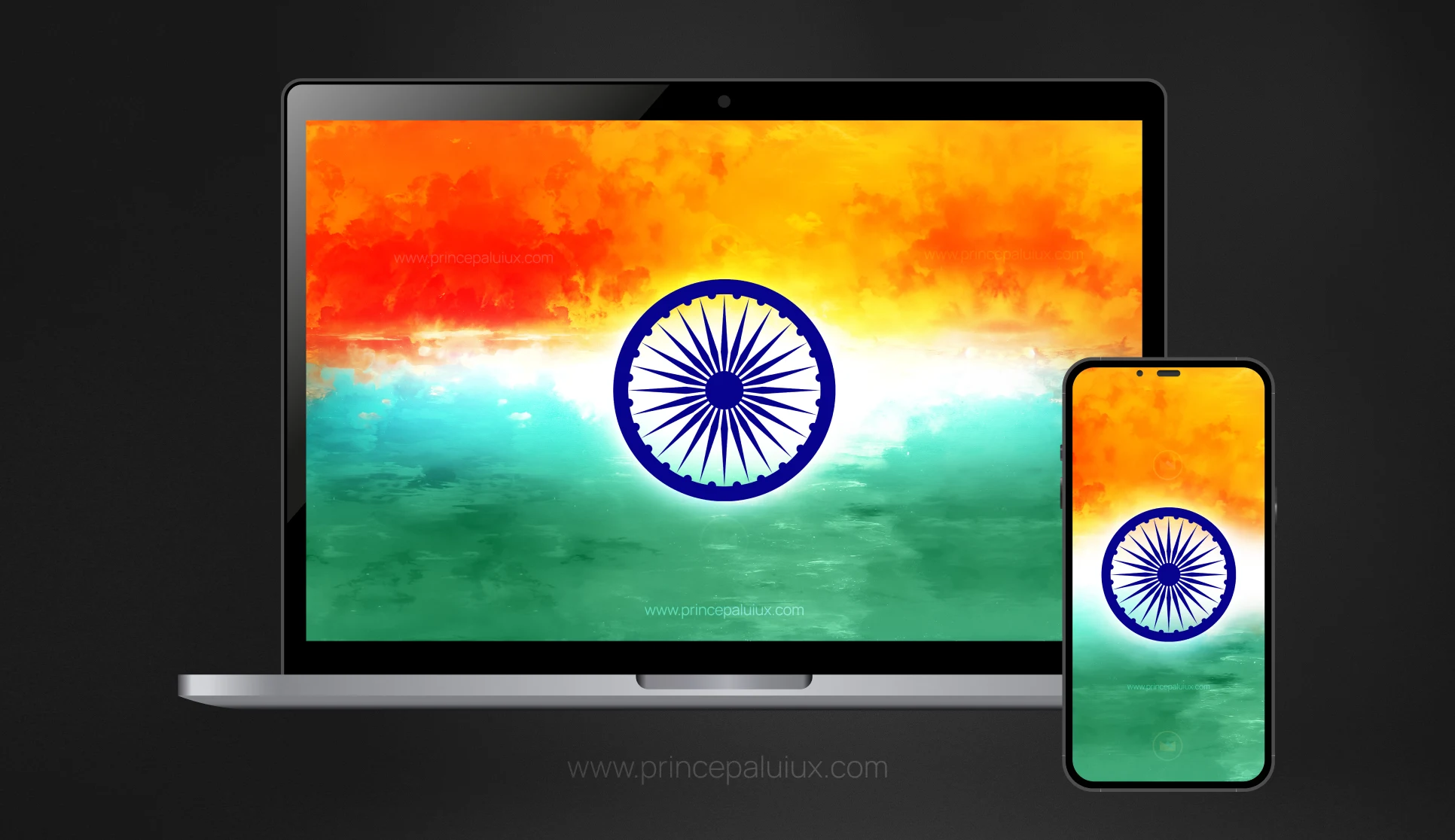
I’ve created a collection of Happy Independence wallpapers featuring the Indian flag in 8K quality, with versions made for both desktop and mobile screens. You can download the free wallpapers and use them to give your phone, laptop, or computer a festive Independence Day look.
The free versions include a watermark, but the artwork remains available for personal use.
Let’s take a closer look.
Want a Watermark-Free Wallpaper?
If you love the wallpaper but would prefer a watermark-free version, feel free to reach out to me. Send me an email at princepaluiux@gmail.com with the wallpaper you’d like, and I’ll let you know how you can get a clean version. Please mention how you plan to use it, especially if it’s for print, commercial work, merchandise, advertising, or a public space.
Legal Note
These wallpapers are free to download and use for personal purposes. The free versions include a watermark.
Please contact Prince Pal Singh for permission before using the artwork for any of the following:
- Large-scale printing or outdoor advertising with a circulation or viewership of more than 5,00,000 people
- Merchandise, clothing, posters, products, or other commercial artwork
- Decoration or display in an office, business, venue, or other public space
- Commercial publishing, print media, websites, blogs, wallpaper collections, or other promotional use
- Editing, modifying, redistributing, or republishing the artwork
All wallpapers in this collection were created by Prince Pal Singh, who retains the copyright and ownership of the original artwork. The wallpapers may not be copied, modified, resold, redistributed, or used for commercial purposes without prior written permission and proper credit.
If you’d like to use a wallpaper beyond personal use, please get in touch first. I’m happy to discuss licensing and permission based on how you’d like to use the artwork.
For permission requests or licensing enquiries, email princepaluiux@gmail.com.

A little tricolour (Tiranga) for your screen
Your wallpaper might seem like a small thing. After all, you see it for a few seconds before opening an app or getting to work.
But small things can carry meaning.
The Indian flag has a visual language that needs very little explanation. Saffron, white, and green sit together with the Ashoka Chakra at the centre, creating an image that most Indians can recognise in an instant.
On August 15, that familiar symbol takes on a different feeling.
You might be at home with your family. You might be working from your office. Maybe you’re travelling, studying, or simply scrolling through your phone with a cup of chai nearby. Wherever you are, a tricolour wallpaper can add a quiet festive touch to the day.
And honestly, sometimes that’s enough.
Happy Independence Wallpapers in 8K
The wallpapers in this collection are created at 8K resolution, providing plenty of detail for modern high-resolution displays.
The goal wasn’t to make something overly complicated. I wanted the Indian flag to remain the visual focus while giving each wallpaper enough space and balance to work comfortably as a screen background.
A good wallpaper shouldn’t fight with your desktop icons.
It shouldn’t make text difficult to read.
And it certainly shouldn’t make your phone look like a crowded poster.
That’s why the compositions keep the flag and Independence Day message clear, with enough breathing room for the interface sitting on top of the image.
The result is a collection that feels festive without becoming too loud.
Desktop or mobile? I made both
We use our screens differently now.
A desktop or laptop gives you a wide canvas. A phone gives you a tall one. An image that looks beautiful on one person can look completely awkward on another.
That’s why I’ve prepared wallpapers for both desktop and mobile devices.
For desktop screens
The desktop wallpapers work well on:
- Windows PCs
- Mac computers
- Laptops
- Large monitors
- High-resolution displays
- Office or home workstations
The wider layout gives the Indian flag room to breathe. You can keep your desktop icons visible without covering the main artwork.
If you’re working on August 15, this can be a nice little change from your usual corporate wallpaper.
For mobile screens
The mobile wallpapers are made for vertical displays and can be used on:
- iPhone
- Android phones
- High-resolution smartphones
- Lock screens
- Home screens
Your phone is probably one of the first things you look at in the morning. Why not give it a little Independence Day spirit?
What makes these wallpapers different?
There are thousands of Independence Day graphics online. So why create another collection?
For me, it comes down to simplicity.
I wanted to create wallpapers that could actually live on your screen rather than images made only for a social media post.
The composition, resolution, spacing, and typography all matter when an image is going to sit behind your icons and apps for days.
A social media graphic has one job: catch your attention while you scroll.
A wallpaper has a different job. It needs to look good after the tenth glance, the hundredth glance, and probably the thousandth glance too.
That’s a small design challenge in itself.
Free download with a watermark
The wallpapers are available as a free download for personal use.
There is one small catch: the free versions contain a watermark.
I’ve kept the watermark visible so the free artwork remains connected to its original design source. It’s a simple way of sharing the work while still giving readers a useful, high-quality wallpaper at no cost.
The watermark doesn’t change the overall design or stop you from using the wallpaper on your personal devices.
If you’re downloading one for your phone or computer, simply choose the version that matches your screen and save it to your device.
How to set the wallpaper
Setting a new wallpaper takes only a minute.
On a Windows PC, download the image, right-click it, and select the option to set it as your desktop background.
On a Mac, save the image, open System Settings, go to Wallpaper, and select the downloaded image.
For iPhone, save the image to your Photos app, open it, tap Share, and choose the wallpaper option.
For Android, save the image to your Gallery or Photos app, open it, and select the option to use it as your wallpaper.
The exact menu names can vary a little between devices, but the basic process is pretty much the same.
A wallpaper can be part of the celebration
Independence Day celebrations don’t have to mean doing something big.
You might fly a flag outside your home. You might attend a school or community event. You might watch the Independence Day ceremony on television. You might share a message with friends.
Or you might simply change your phone wallpaper.
There’s something nice about these small personal rituals. They don’t require much time, but they can make an ordinary day feel different.
A tricolour on your screen can be a small reminder of the day and what it represents.
And perhaps that’s why the Indian flag works so well as a wallpaper. Its colours are instantly recognisable, but the feeling behind them can be deeply personal.
A few ideas for using the wallpapers
You don’t have to limit the wallpapers to your main computer or phone.
Here are a few simple ideas:
Use one as your lock screen.
The vertical mobile version can give your phone an Independence Day look without changing anything else.
Set one on your work laptop.
If you’re working on August 15, a subtle tricolour background can bring a festive touch to your workspace.
Use it on a second monitor.
Have a wide display at home? The desktop version can work nicely as a clean background.
Share the artwork with family.
Send the download to parents, siblings, friends, or colleagues who might enjoy an Independence Day wallpaper.
Create a festive desktop setup.
Pair the wallpaper with a simple set of desktop icons and a clean layout. Sometimes less really does work better.
A small reminder behind your icons
Something is interesting about wallpapers.
We rarely think about them after setting them. They sit quietly in the background while we work, message friends, watch videos, check email, or browse the web.
Yet a good image can change the feeling of that space.
On Independence Day, the Indian flag can turn that background into a small visual reminder of the occasion.
No big speech required.
No elaborate design needed.
Just the tricolour sitting there while you go about your day.
Download your Happy Independence wallpaper
If you like the designs, download the free 8K Independence Day wallpapers for desktop and mobile and give your screen a festive touch this August 15.
The free versions include a watermark and are available for personal use.
I created these wallpapers as a small gift for readers who want to celebrate Independence Day in their own way — at home, at work, or simply through the screen they use every day.
Happy Independence Day, India! 🇮🇳
May the day bring a little pride, a little joy, and perhaps a fresh wallpaper to your screen.
Jai Hind!